−43%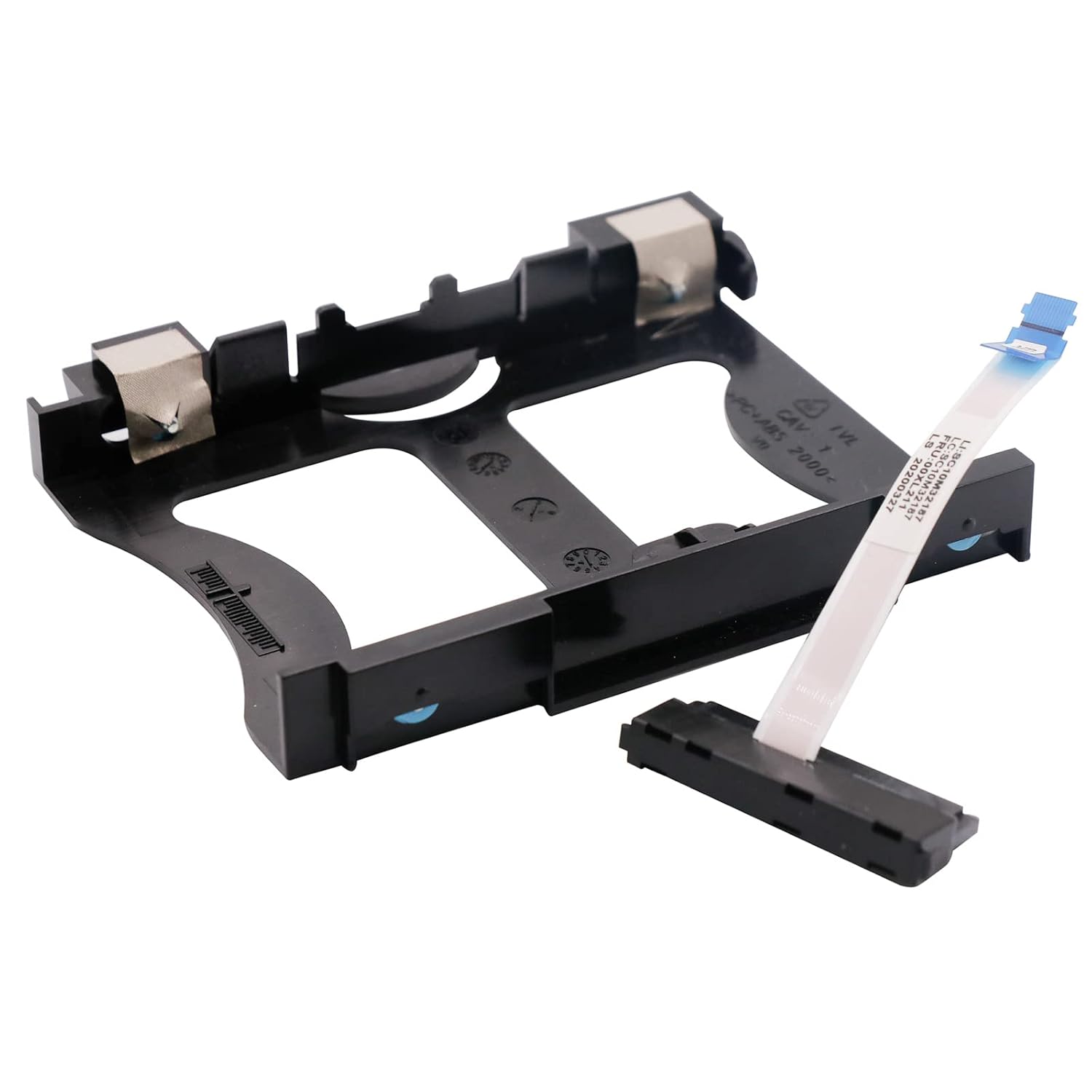
SATA Cables
BestParts NEW HDD SATA Cable Caddy Replacement for ThinkCentre M920X M720Q M710Q M910q M920Q P330 Tiny5 00XL211
Sale price$ 7.18
Market price$ 12.59
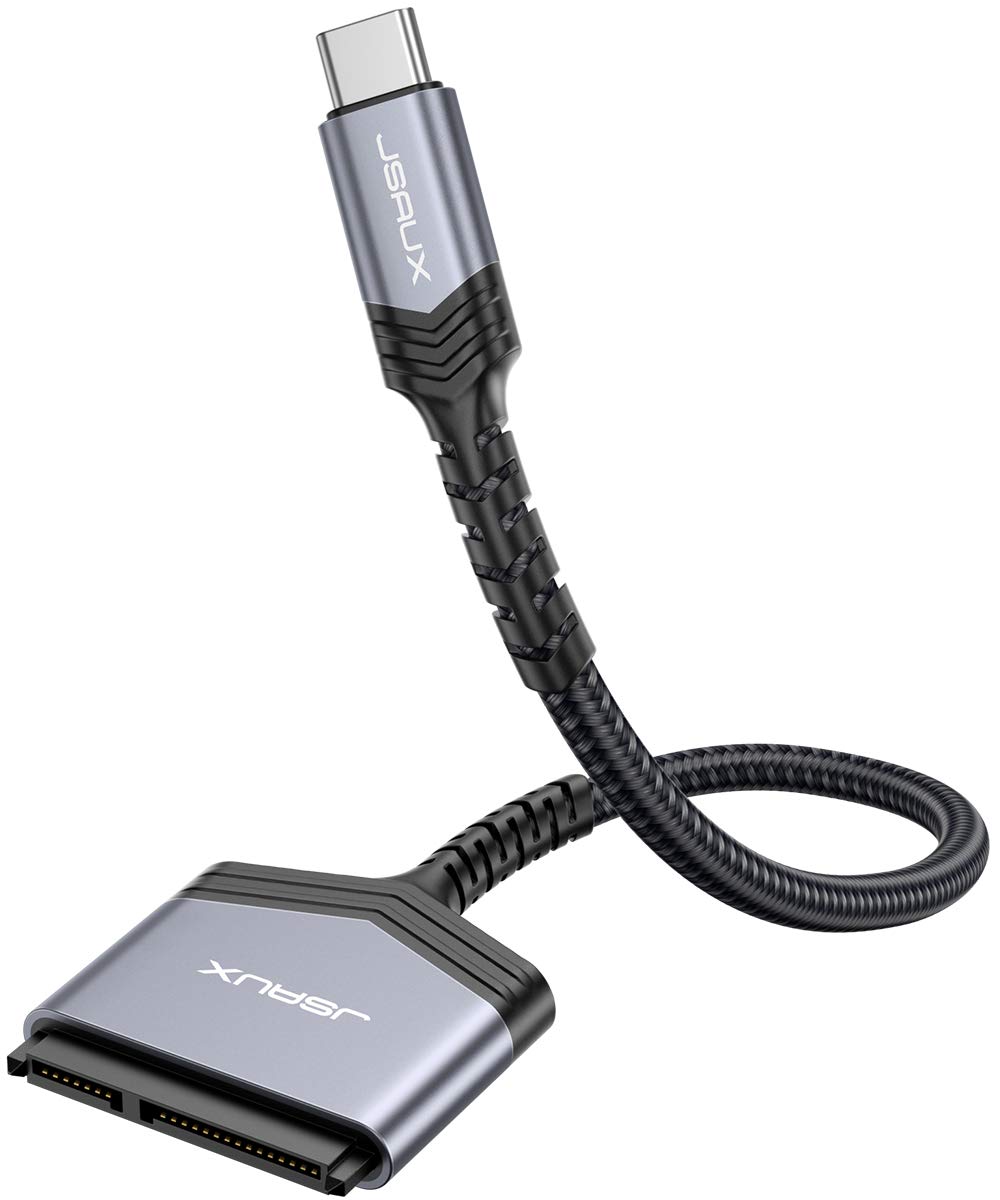 Image unavailable
$ 5.07 8.89
You save
Secure Checkout
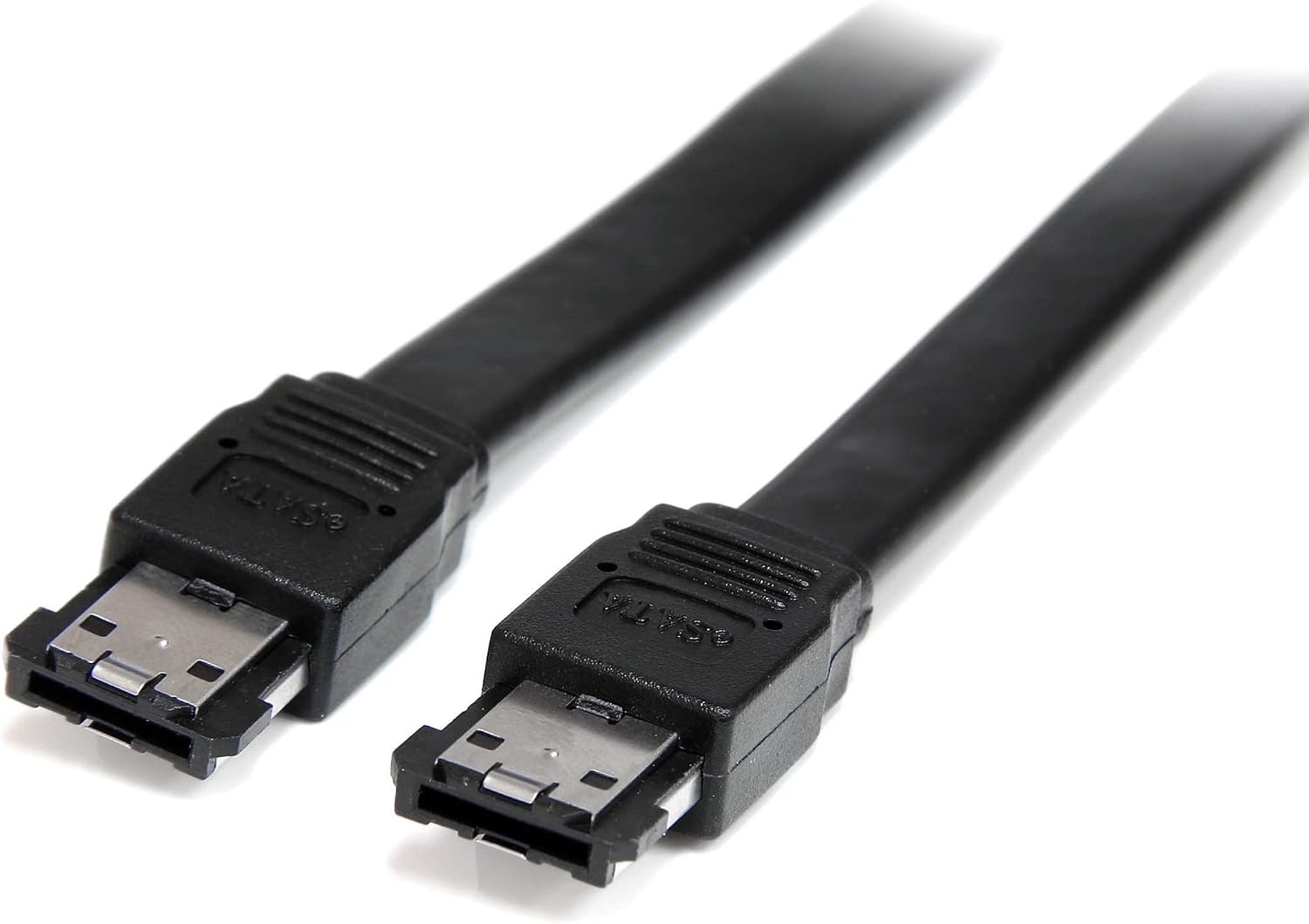
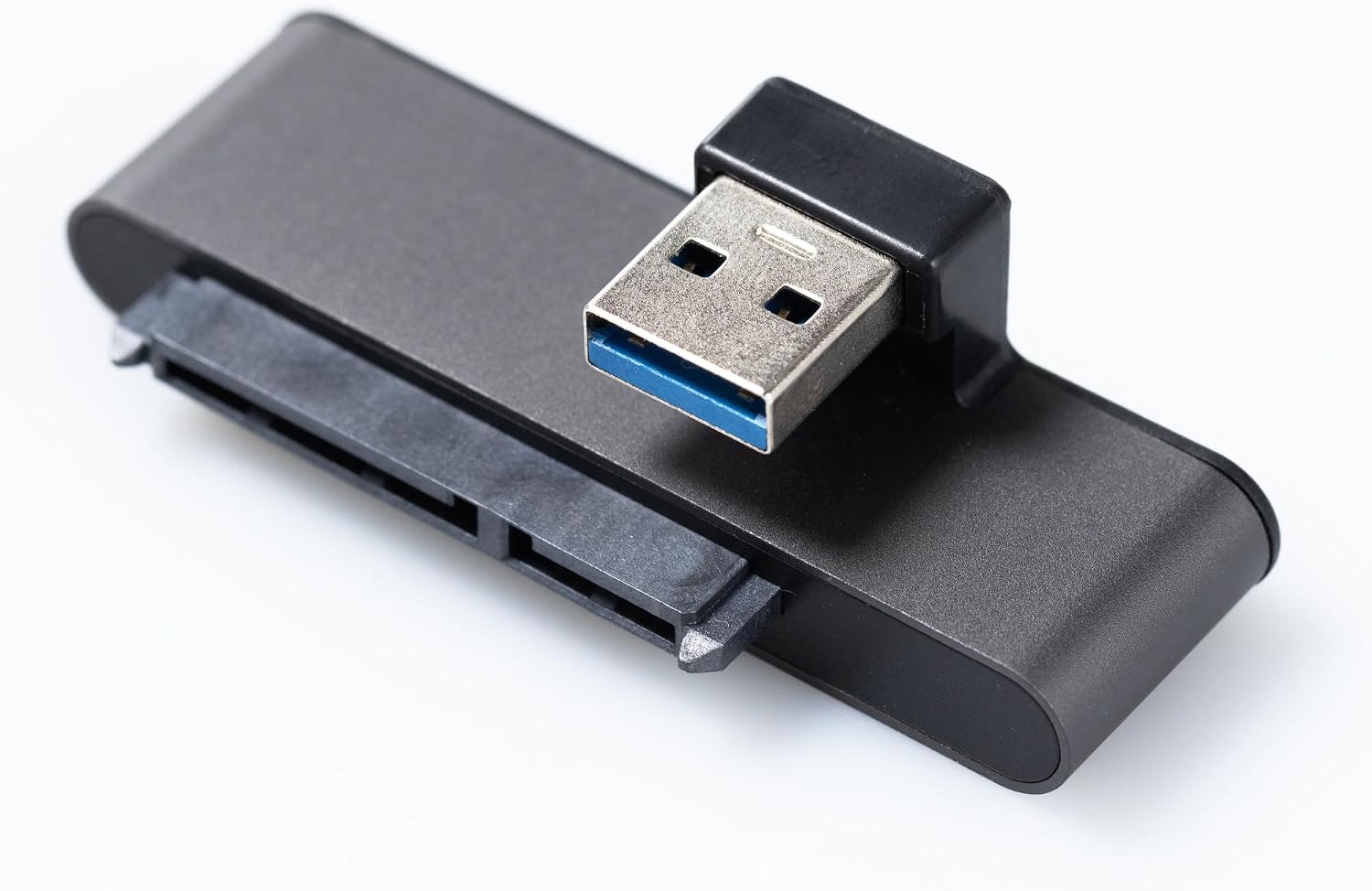
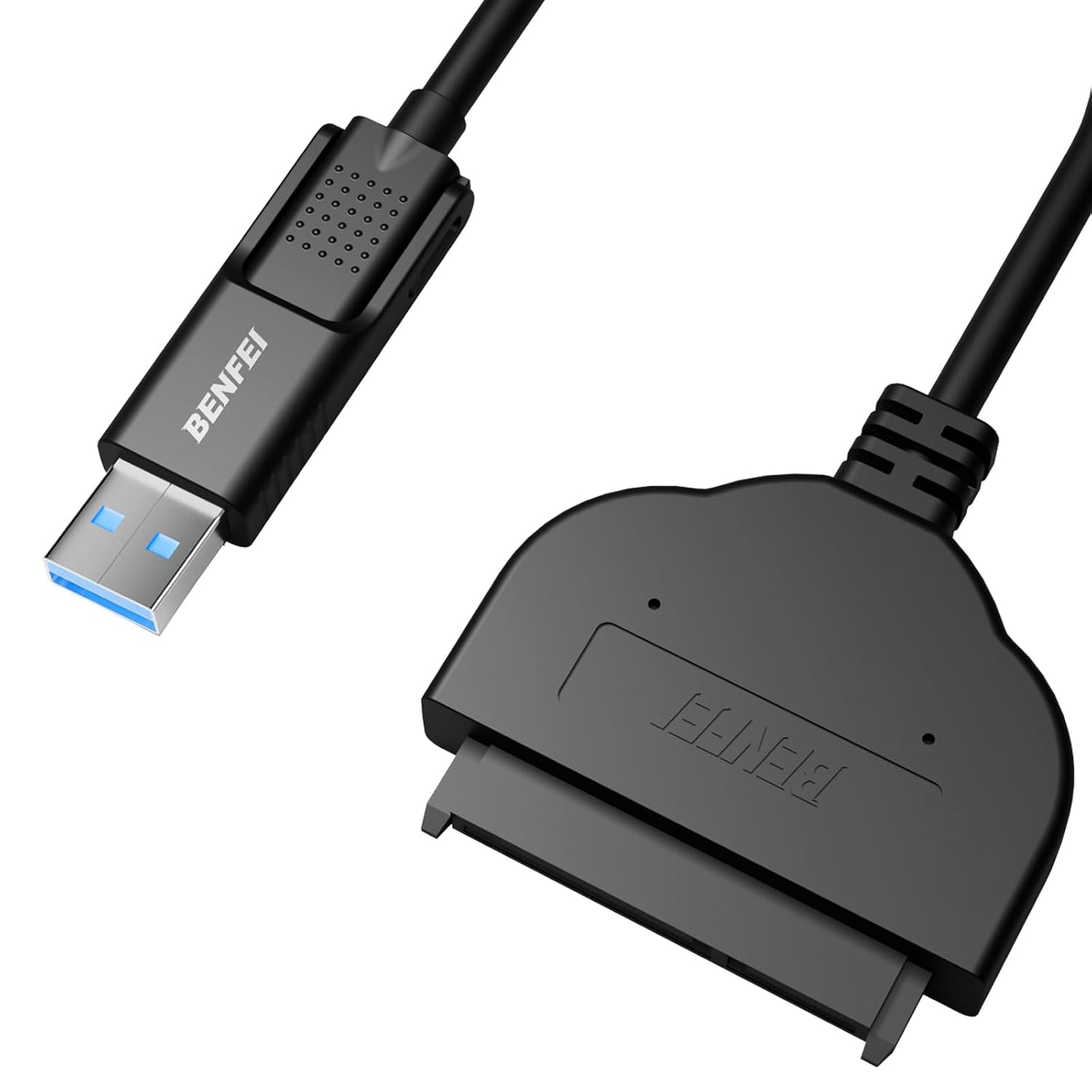
Product description Please Read Before Use Notes: Not compatible with 3.5" hard drives. No power adapter included!!! Not compatible with ATA (IDE), mSATA, or M.2 interfaces. A new hard drive must be partitioned before first use. How to Use Step 1: Back up important data on the drive before formatting, partitioning, or writing new data. Formatting will erase all data on the drive. Step 2: Insert the SATA connector fully and straight into the 2.5-inch SATA HDD or SSD. Do not force the connector. Align the L-shaped key on the connector with the drive's port before inserting. Step 3: Firmly insert the USB connector into a USB 3.0 port directly on the computer. Do not connect through an unpowered USB hub. A USB 2.0 port works but at reduced speed and may not supply enough power for some HDDs. Step 4: Wait for the operating system to detect the drive. If the drive is new and uninitialized, it may appear in Disk Management or Disk Utility but not appear in File Explorer / Finder until it is initialized. On Windows, use Disk Management (right-click the Start button) to initialize the drive (GPT is recommended; or select MBR only when compatibility with older systems or specific devices is required), create a partition, and format it (NTFS, or exFAT if you will use the drive on both Windows and macOS). On macOS, use Disk Utility. Warning: Formatting or erasing a drive will permanently delete all data on it. Perform this operation only on a new, blank, or fully backed-up drive. Step 5: Transfer or read/write files after the drive is recognized. Do not disconnect the adapter during data transfer. Step 6: Safely eject or unmount the drive from the operating system before removing the USB or SATA connector. JSAUX SATA to USB 3.0 Adapter Interface Compatibility: Compatible with USB 3.0 / USB 2.0 / USB 1.0 and all 2.5" SATA III / II / I HDDs and SSDs. High Speed with UASP: The JSAUX SATA to USB adapter supports data transfer speeds of up to 5 Gbps. With UASP (USB Attached SCSI Protocol) support, it reduces CPU usage, latency, and waiting time—offering up to 70% faster performance than conventional USB 3.0. Wide Compatibility: Works with all laptops, desktop PCs, HD TVs, and OTG-compatible smartphones. Supported Systems: Windows, macOS, ChromeOS, and Linux. TRIM Support: The JSAUX SATA to USB 3.0 cable supports the TRIM function, improving SSD read/write efficiency, maintaining stable long-term performance, and extending drive lifespan. One Adapter, Multiple Uses Easily add storage space with your 2.5" drives. Back up your data securely. Clone your drives or create full disk images. Restore your files in case of data loss. Quickly transfer content between a drive and your laptop. New Hard Drive Not Detected: If the new hard drive does not appear, it needs to be partitioned and formatted. Example on Windows: Computer Management → Storage/Disk Management → Select the new hard drive → Right-click → Format → Confirm. For macOS, please follow the specific instructions available on Apple’s official website. Windows uses the NTFS format by default, which is not readable on macOS. macOS uses the HFS+ format by default, which is not readable on Windows. For compatibility between both systems, choose the exFAT format when formatting. Warning: Always back up your data before formatting the drive. 【Important Note】: Can not available for 3.5” hard drive. Not compatible with ATA(IDE), MSATA, and M.2 interfaces. No power adapter included. Please confirm your hard drive type before purchase 【Quickly Access a SATA SSD or HDD】: Add drive space to your laptop by connecting to a SATA 2.5" SATA SSD or HDD using this SATA to USB cable. You can connect to an external drive to add storage, perform backups, create disk images, implement data recoveries, and transfer content to your laptop 【5Gbps High Speed Output】: The SATA to USB adapter supports USB 3.0 super speed data transfer up to 5Gbps, but you can experience transfer speeds up to 70% faster than conventional USB 3.0 when connected to a computer that also supports UASP 【Slim and Portable】: The usb to sata adapter designed as portable as possible and tucks easily into the pocket of your laptop bag, you can use it anywhere with no external power required ( 2.5" SSD/HDD Only) 【Save Time】: The hard drive transfer cable lets you easily swap between drives with no need to install the drive inside an enclosure. It’s plug-and-play and doesn’t require drivers 【Durable】:The hard drive transfer cable with strain relief withstands 10,000+ bending and plug-in cycles.
SATA Cables
SATA Cables
SATA Cables
SATA Cables