−43%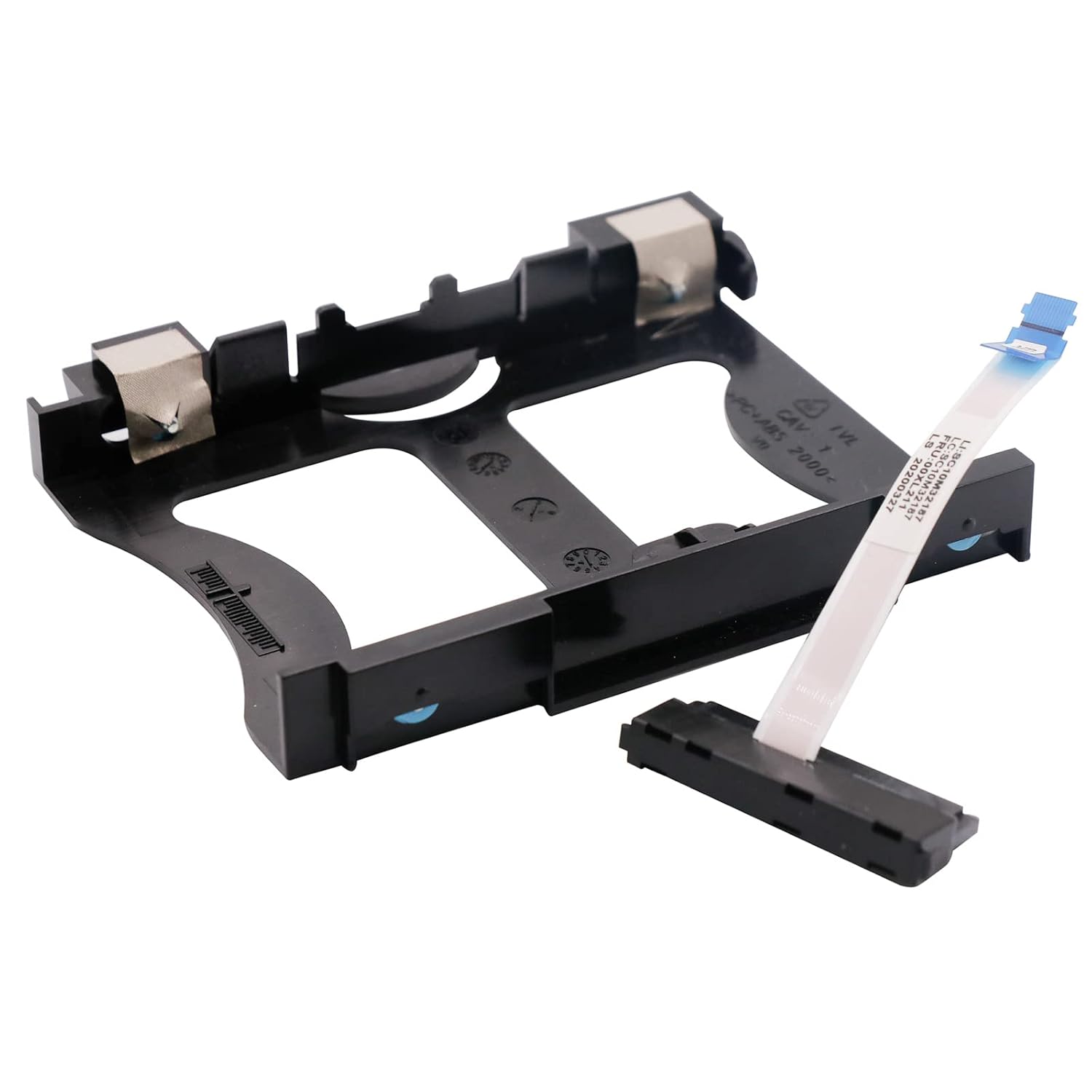
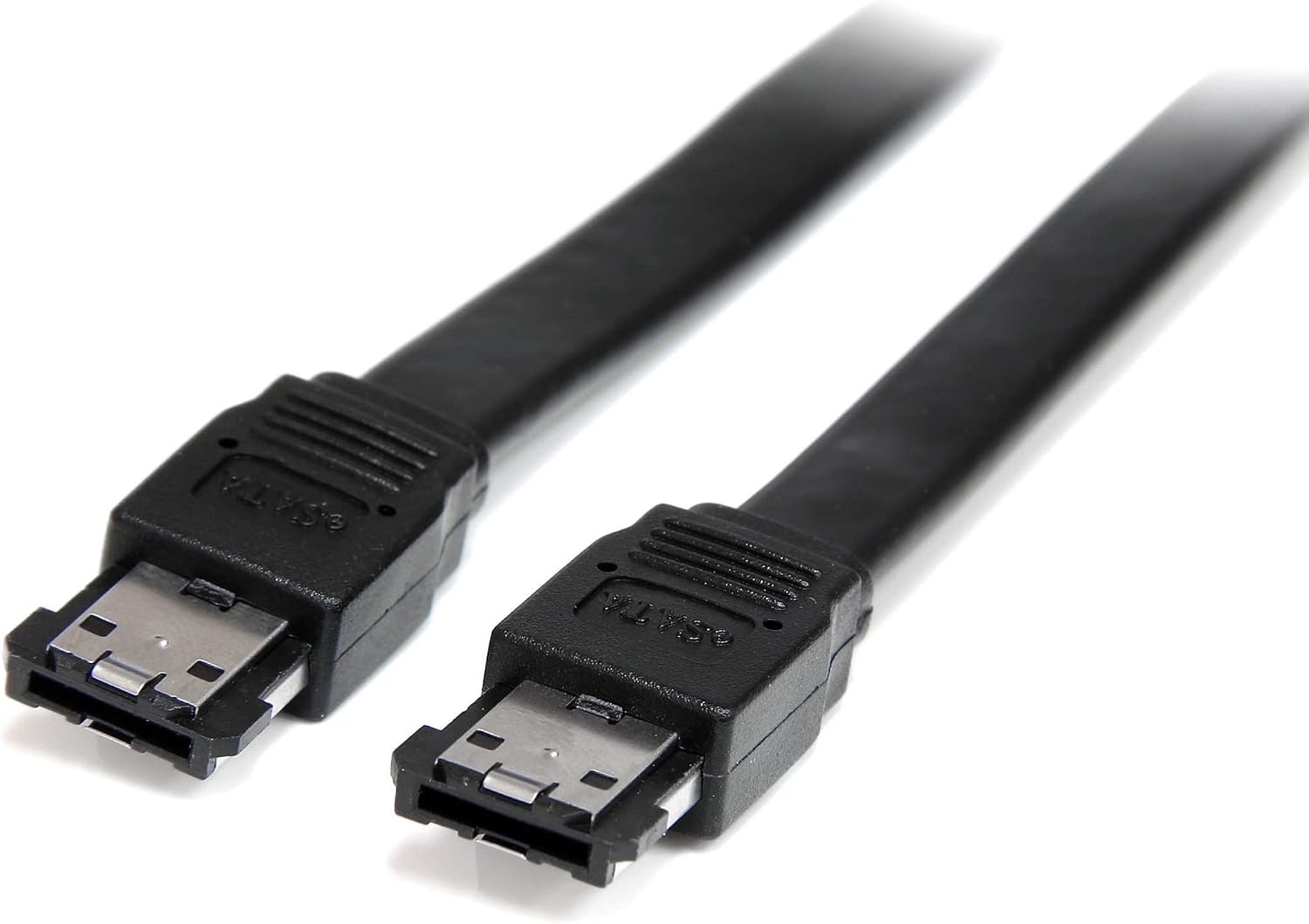
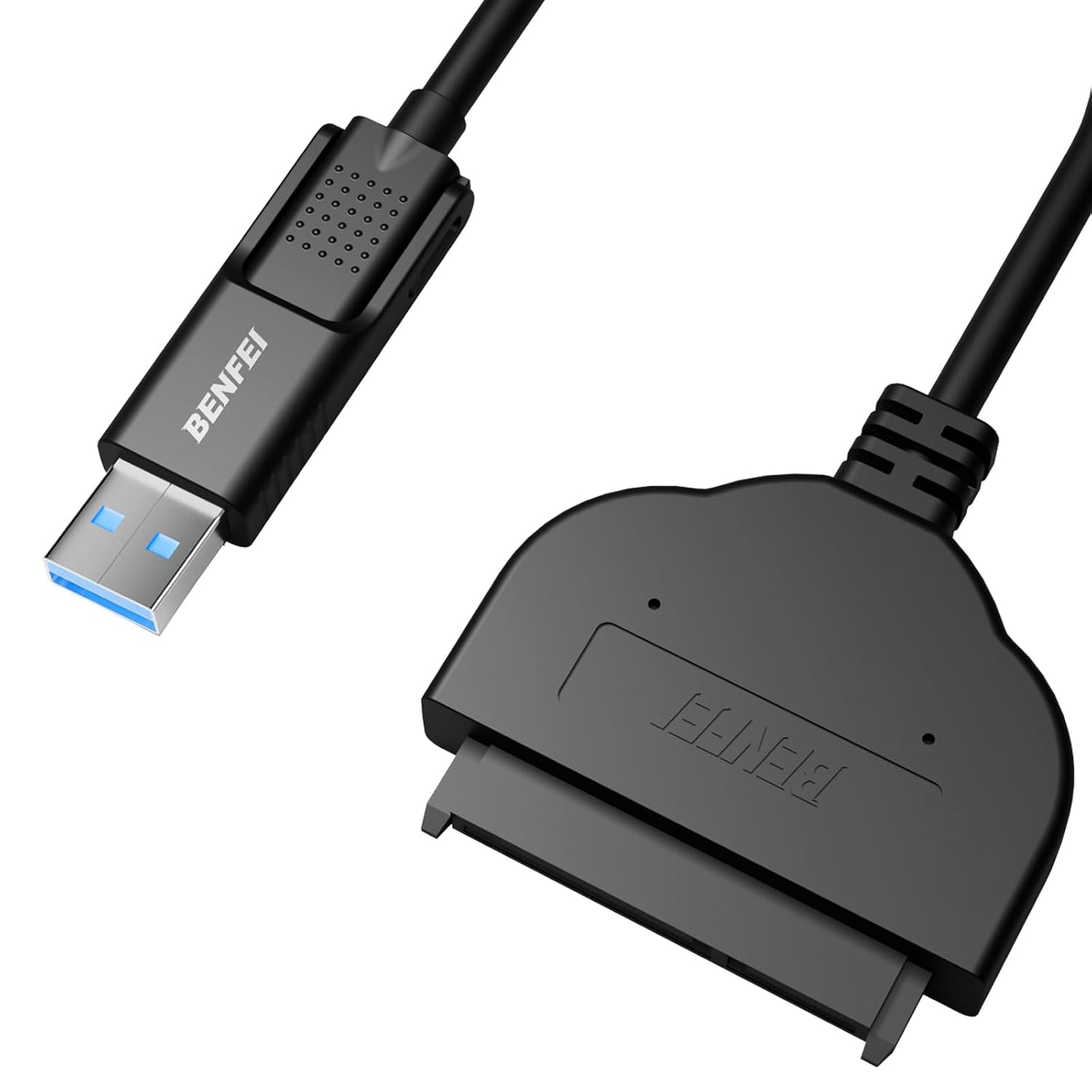
SATA Cables
BestParts NEW HDD SATA Cable Caddy Replacement for ThinkCentre M920X M720Q M710Q M910q M920Q P330 Tiny5 00XL211
Sale price$ 7.18
Market price$ 12.59
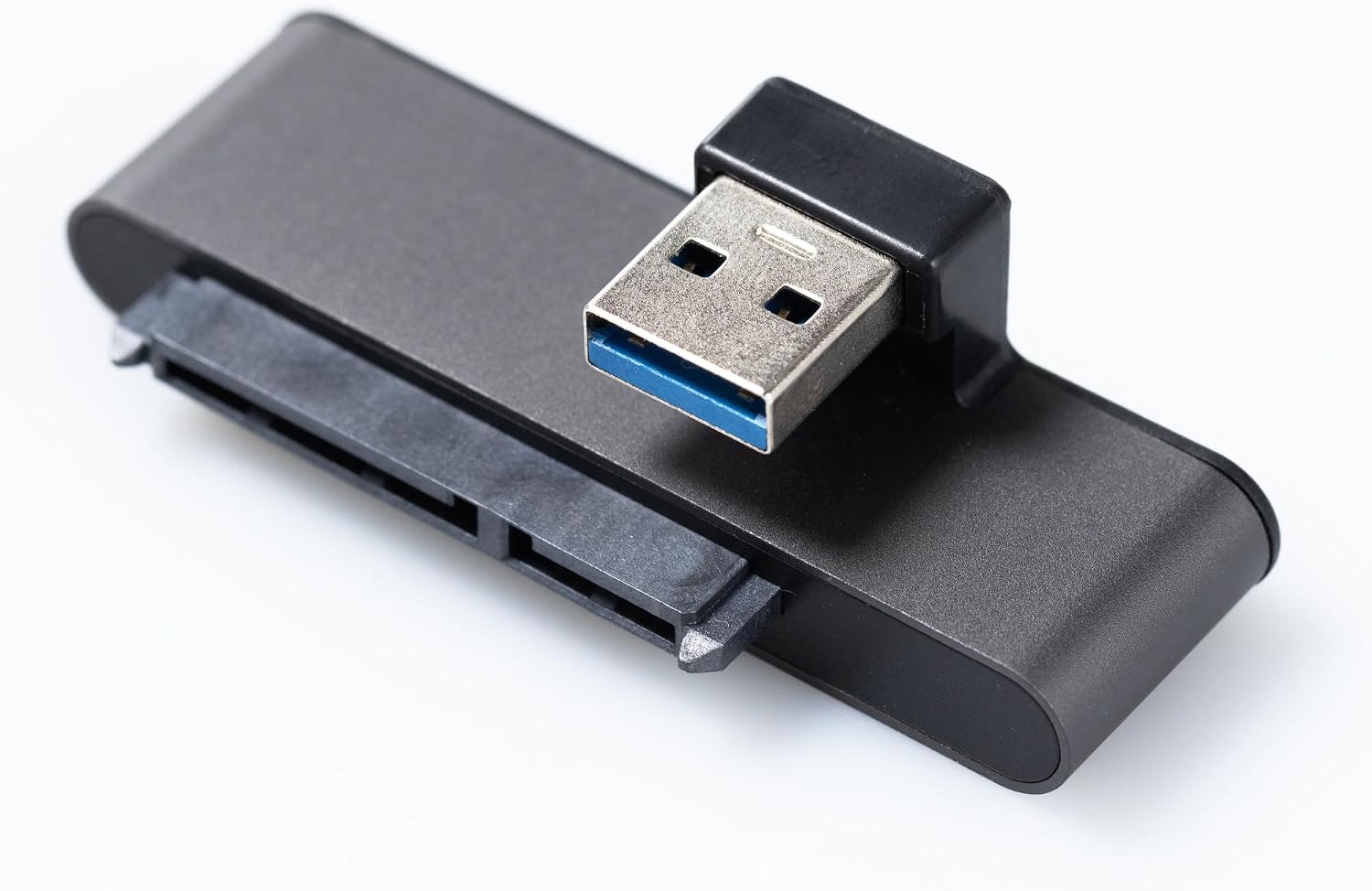 Image unavailable
$ 6.84 12.00
You save
Secure Checkout
Product description Homerun Adapter 1 connects a 2.5-inch SATA SSD directly to a USB-A port without a separate adapter cable. USB 3.0, UASP support, and an aluminum housing keep the connection compact. Photos show a Raspberry Pi 4 Model B setup. Check connector alignment and clearance around your board, case, HATs, and heatsinks. Support the SSD and do not force the connectors. Includes one adapter only. Computer, SSD, case, power supply, and mounting hardware are not included. Build a compact SATA SSD setup Plan the physical fit A direct connection keeps extra cable out of your setup. The pictured arrangement uses a Raspberry Pi 4. Check USB port position, SSD alignment, and clearance around cases, HATs, heatsinks, and rack mounts before installing. Computer and SSD are sold separately. USB 3.0 and UASP USB 3.0 and UASP support for compatible hosts and operating systems. Actual transfer speed depends on your SSD, USB port, power supply, and software. Use a USB 3 port when available. TRIM depends on your setup TRIM requires support across the SSD, USB bridge, filesystem, and operating system, and may need configuration. It is not automatic or guaranteed for every setup. The legacy helper has not been validated on current Raspberry Pi OS. Establish normal storage access first. Aluminum housing, ASM1153E bridge Adapter 1 uses an ASM1153E USB-to-SATA bridge inside an aluminum housing. The compact body connects a USB-A port to a standard 2.5-inch SATA SSD without a separate adapter cable. Connect, detect, then configure Three steps to get connected 1. Shut down your computer and disconnect power. 2. Gently seat the SSD in the SATA connector, then connect the adapter to a USB port. Support the SSD so the connectors are not strained. 3. Reconnect power and confirm that the SSD is detected. Operating-system installation, USB boot, and TRIM are separate setup steps. For Raspberry Pi SSD boot, follow the instructions for your Pi model and operating system. Connecting a drive does not install an OS or change the boot order. Includes the adapter only. Computer, SSD, case, power supply, and mounting hardware are not included. From the brand Homerun Adapter 1 now available! Who are we? Well, it's not "we". It's just me. Hi, I'm Ray. I'm excited to bring you Homerun, a brand I've worked a long time to develop. My goal is to design useful, high-quality products for DIY computing enthusiasts. My first product is Adapter 1, a SSD adapter for Raspberry Pi and other single-board-computers that has a compact form factor and good firmware. I hope you are as excited about it as I am! Who are we? Well, it's not "we". It's just me. Hi, I'm Ray. I'm excited to bring you Homerun, a brand I've worked a long time to develop. My goal is to design useful, high-quality products for DIY computing enthusiasts. My first product is Adapter 1, a SSD adapter for Raspberry Pi and other single-board-computers that has a compact form factor and good firmware. I hope you are as excited about it as I am! How did we get our start? I wanted to build a home server... but I didn't like the cases on Thingiverse. The USB-SATA cable for the SSD was a big pain point so I designed this and got it built! Why do we love what we do? Everyone should be able to have a home server! Things like this can make setting them up just a little bit easier. What problem are we solving? 1 - With other cables you never know if the adapter you're buying has a good bridge chip and supports the capabilities you should care about 2 - Other adapters are designed for laptops and desktop computers and have long unwieldy cables! How did we get our start? I wanted to build a home server... but I didn't like the cases on Thingiverse. The USB-SATA cable for the SSD was a big pain point so I designed this and got it built! Why do we love what we do? Everyone should be able to have a home server! Things like this can make setting them up just a little bit easier. What problem are we solving? 1 - With other cables you never know if the adapter you're buying has a good bridge chip and supports the capabilities you should care about 2 - Other adapters are designed for laptops and desktop computers and have long unwieldy cables! Original Sketch This is how it all started! Original Sketch This is how it all started! Special thanks To everyone that encouraged me along the way or helped move the project forward. In no particular order: Sasi, Devin, Nathaniel, Harvey, Josh, Aaron, Grim, Jake, Victor, Safdar, Ahsan, Sally, Fiona, Cola, Miguel, Ivan. Special thanks To everyone that encouraged me along the way or helped move the project forward. In no particular order: Sasi, Devin, Nathaniel, Harvey, Josh, Aaron, Grim, Jake, Victor, Safdar, Ahsan, Sally, Fiona, Cola, Miguel, Ivan. Less cable clutter: Connect a 2.5-inch SATA SSD directly to a USB-A port without a separate adapter cable, keeping Raspberry Pi and other single-board computer projects tidy. USB 3.0 and UASP support: Supports USB 3.0 and UASP with compatible hosts and operating systems. Actual transfer speed depends on your SSD, USB port, power supply, and software. Compact aluminum housing: An ASM1153E USB-to-SATA bridge sits inside the aluminum body. Check clearance around cases, HATs, heatsinks, and rack mounts; align connectors without force and support the SSD to avoid strain. Standard 2.5-inch SATA SSDs: Designed for SSDs with a standard SATA connector; does not accept M.2 or NVMe drives. Includes one adapter only. SSD, computer, case, power supply, and mounting hardware are not included. Connect, detect, then configure: Confirm normal drive detection before setting up USB boot or TRIM. Both features depend on your computer, SSD, operating system, and configuration; TRIM is not automatic.
SATA Cables
SATA Cables
SATA Cables
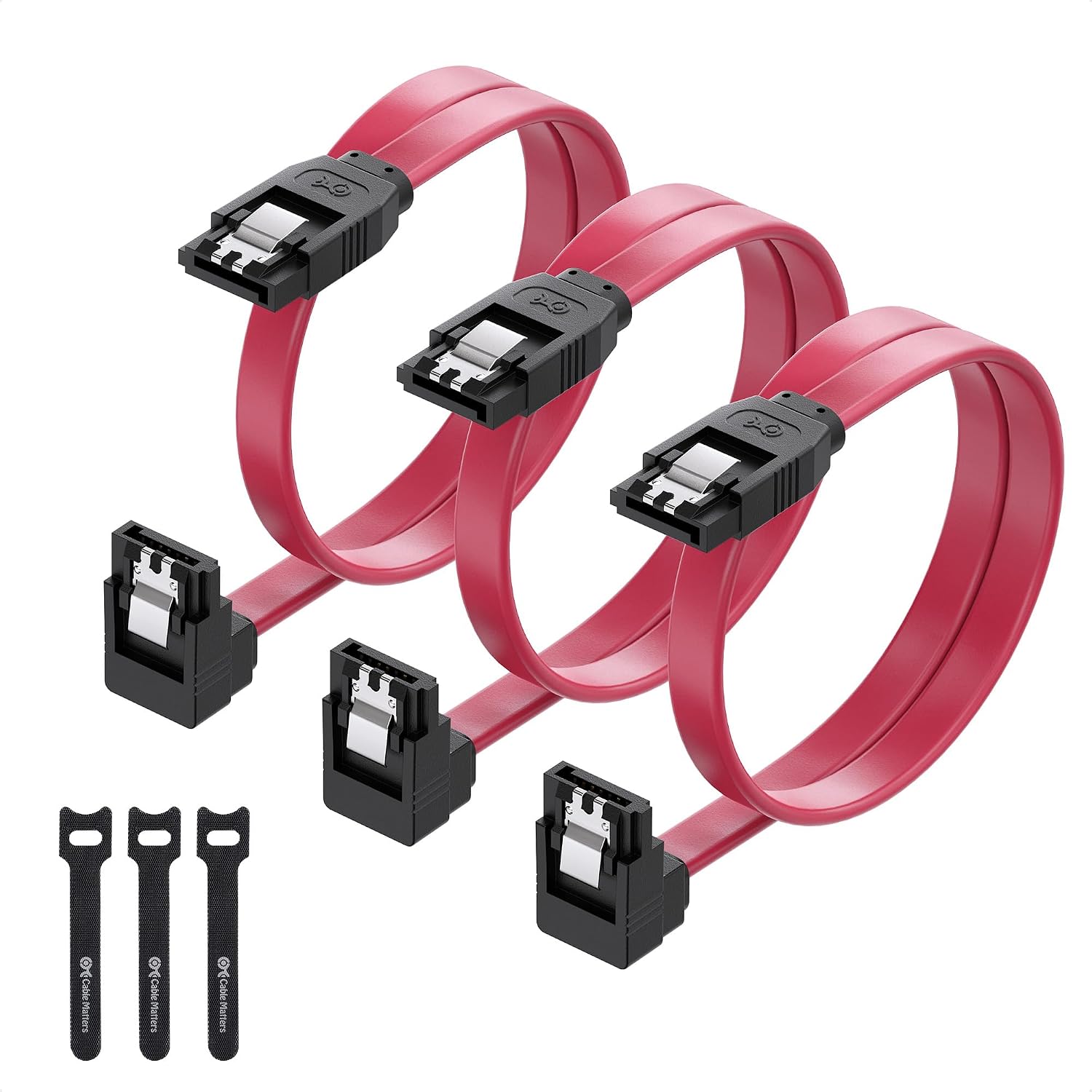
SATA Cables