−43%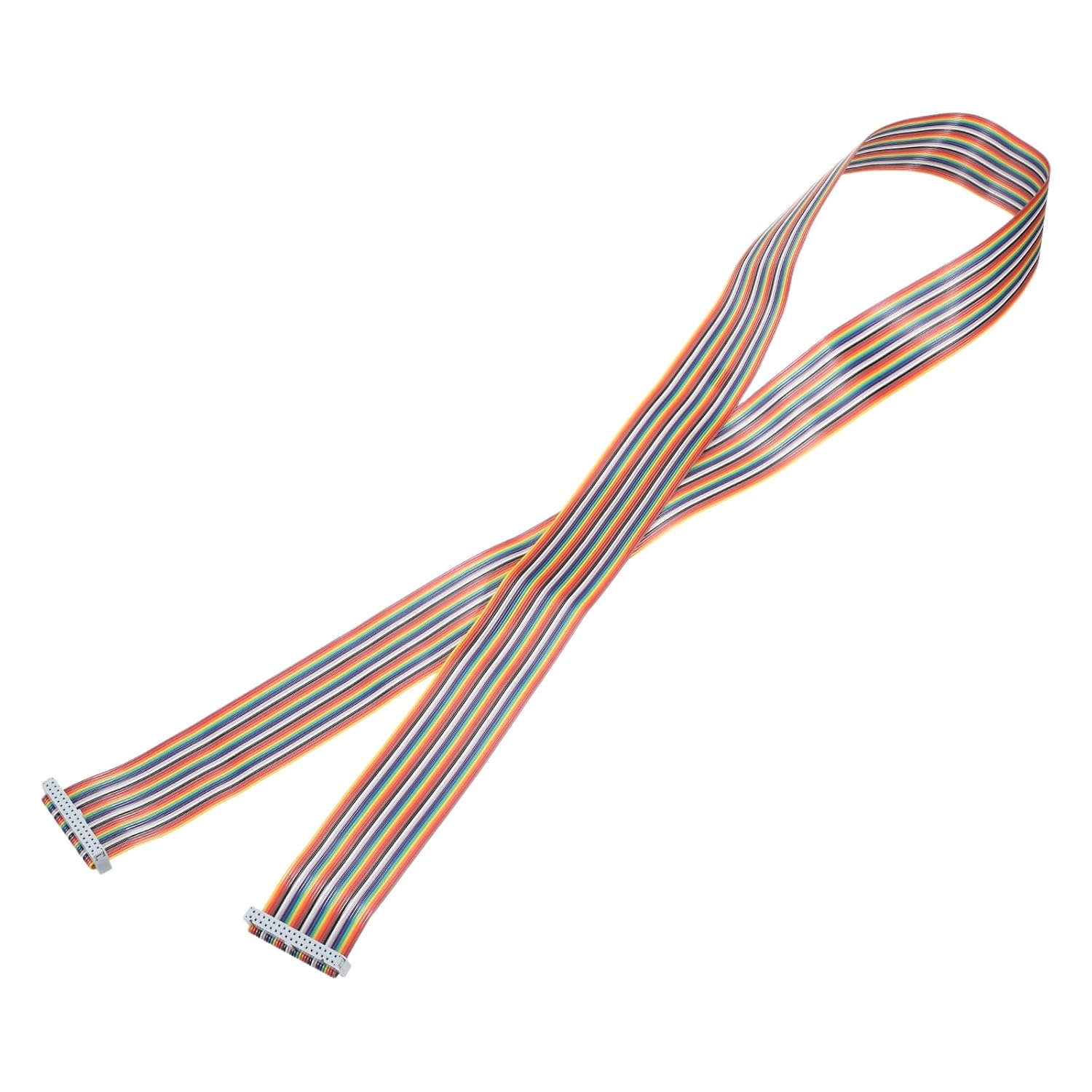
Flat Ribbon Cables
MECCANIXITY Flat IDC Rainbow Wire 2.54mm Pitch 40 Pin 2ft
Sale price$ 5.69
Market price$ 9.99
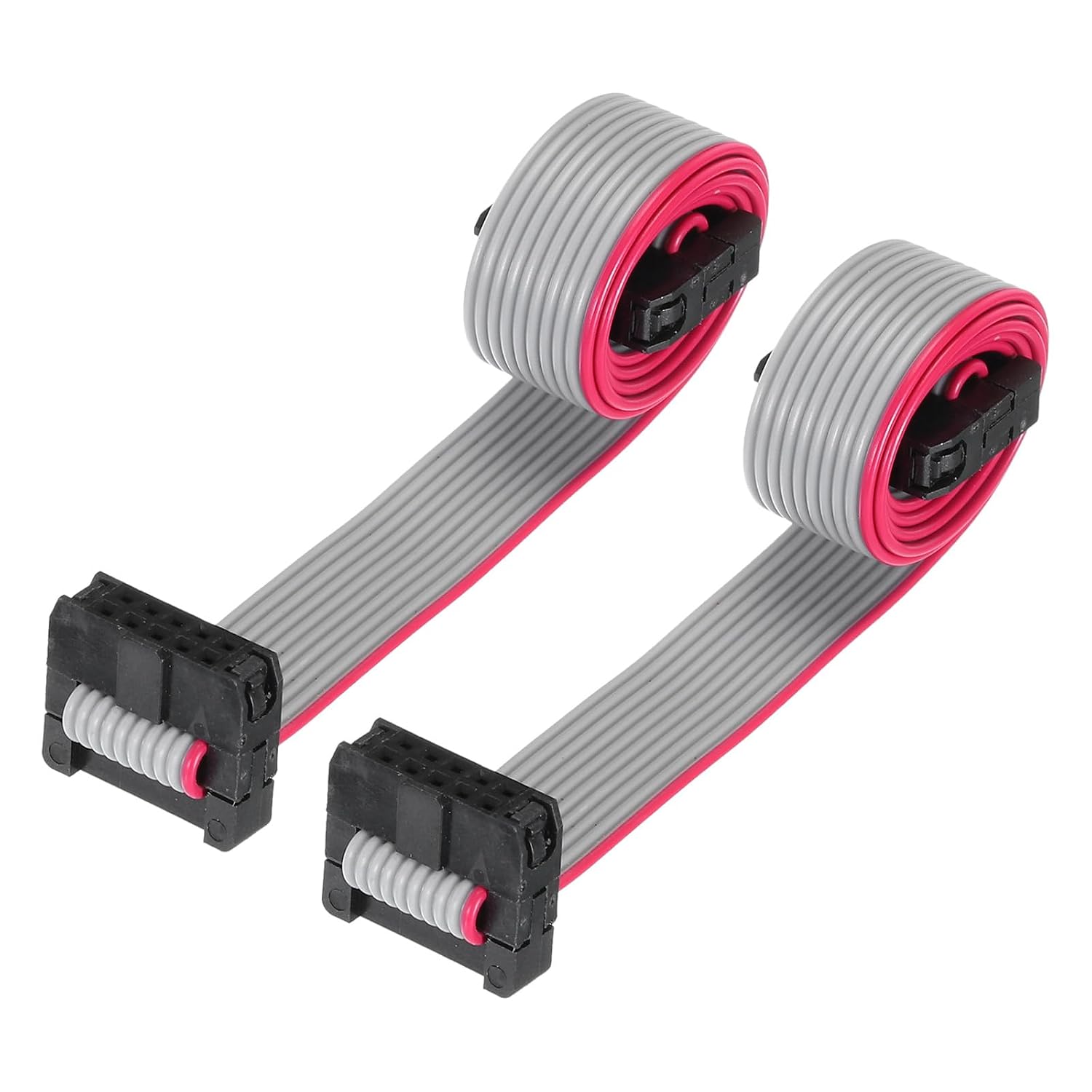 Image unavailable
$ 5.01 8.79
You save
Secure Checkout
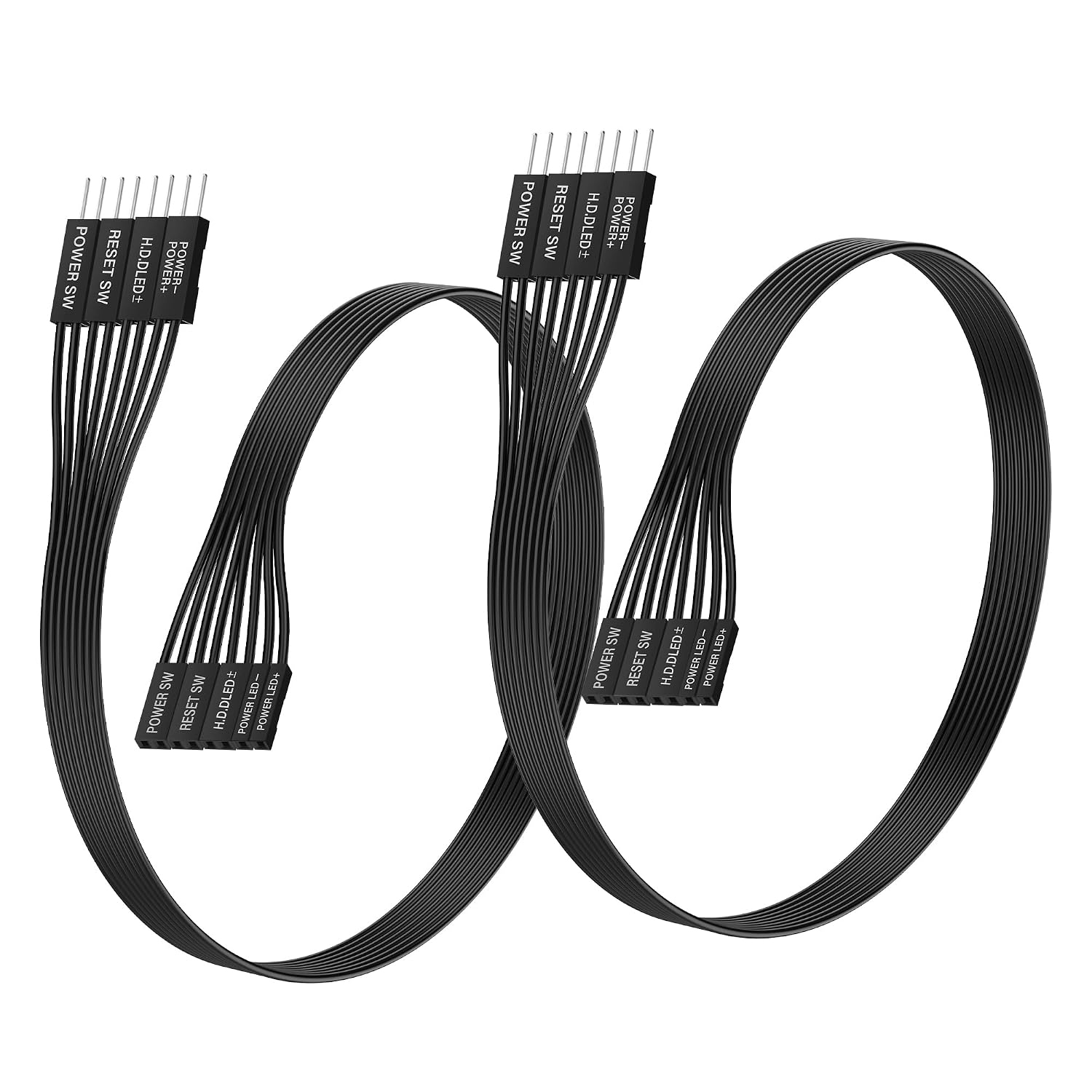
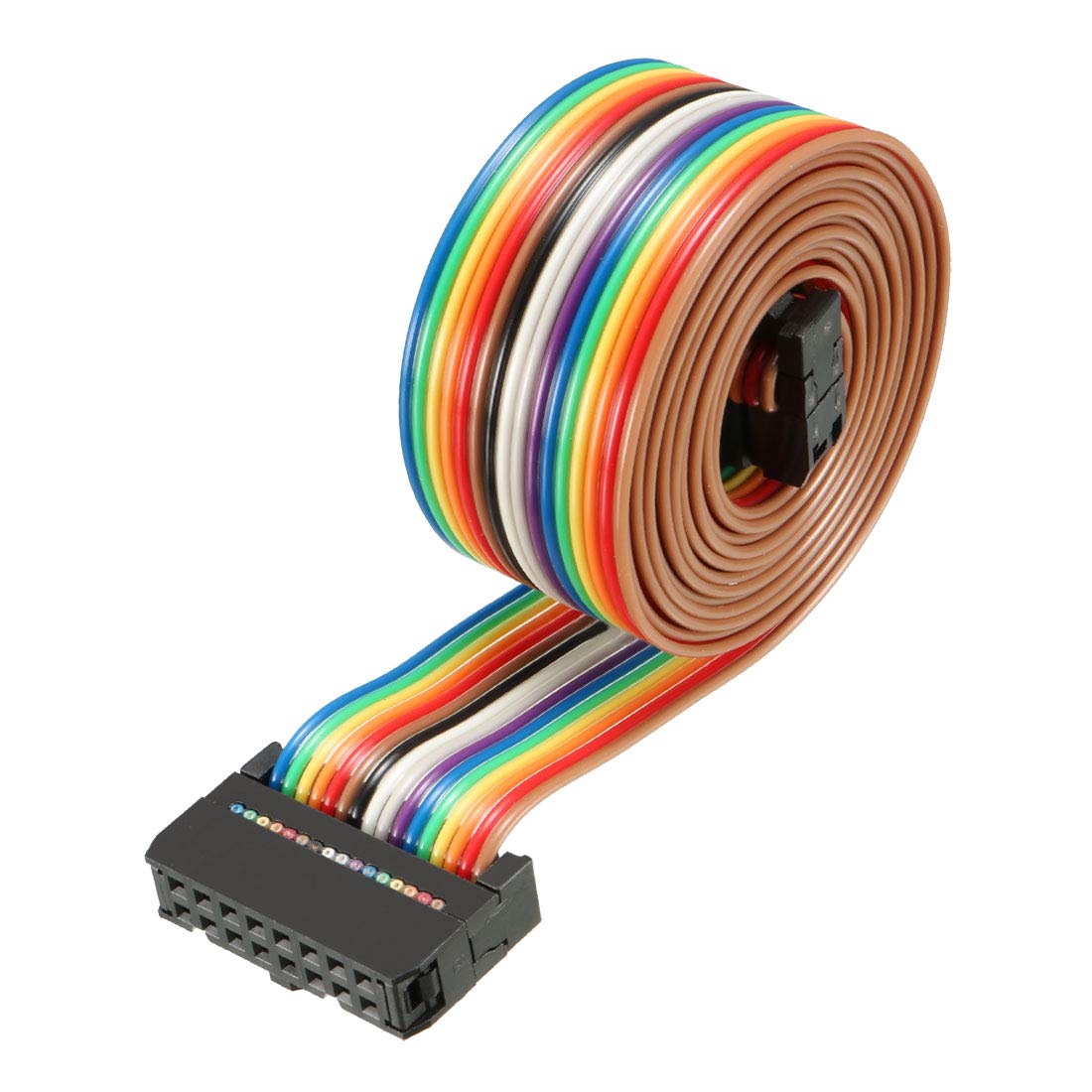
From the brand Flat Ribbon Cable What is this?Flat ribbon cable is most suitable for data transmission between moving parts and the motherboard, and between board-to-board. It is widely used in the connection between the print heads of various printers, and the signal transmission of scanners, copiers, audio, LCD appliances, various DVD players, etc.What will I get?Connector Type: FC to FCPitch: 2.0mmPin Number: 30Cable Length: 30cm/11.8 inchCable Width: 30mm/1.18 inchIn the package of: 2pcs x Flat Ribbon CableAre there any advantages of the product?The flat ribbon cable has a flat and compact profile, allowing it to be routed in narrow spaces or tight corners more easily than round cables.The ribbon cable minimizes crosstalk and interference between adjacent conductors, ensuring reliable signal transmission.How to use it?Easy to install, just plug directly into the PCB.What should I notice?Ensure that the cable is aligned correctly with the connectors. Reversing the orientation could result in improper connections or signal transmission issues. Flat ribbon cable is most suitable for data transmission between moving parts and the motherboard, and between board-to-board. It is widely used in the connection between the print heads of various printers, and the signal transmission of scanners, copiers, audio, LCD appliances, various DVD players, etc. Connector Type: FC to FC; Pitch: 2.0mm; Pin Number: 30; Cable Length: 30cm/11.8 inch; Cable Width: 30mm/1.18 inch The flat ribbon cable has a flat and compact profile, allowing it to be routed in narrow spaces or tight corners more easily than round cables. The ribbon cable minimizes crosstalk and interference between adjacent conductors, ensuring reliable signal transmission. Easy to install, just plug directly into the PCB. Ensure that the cable is aligned correctly with the connectors. Reversing the orientation could result in improper connections or signal transmission issues.
Flat Ribbon Cables
Flat Ribbon Cables
Flat Ribbon Cables
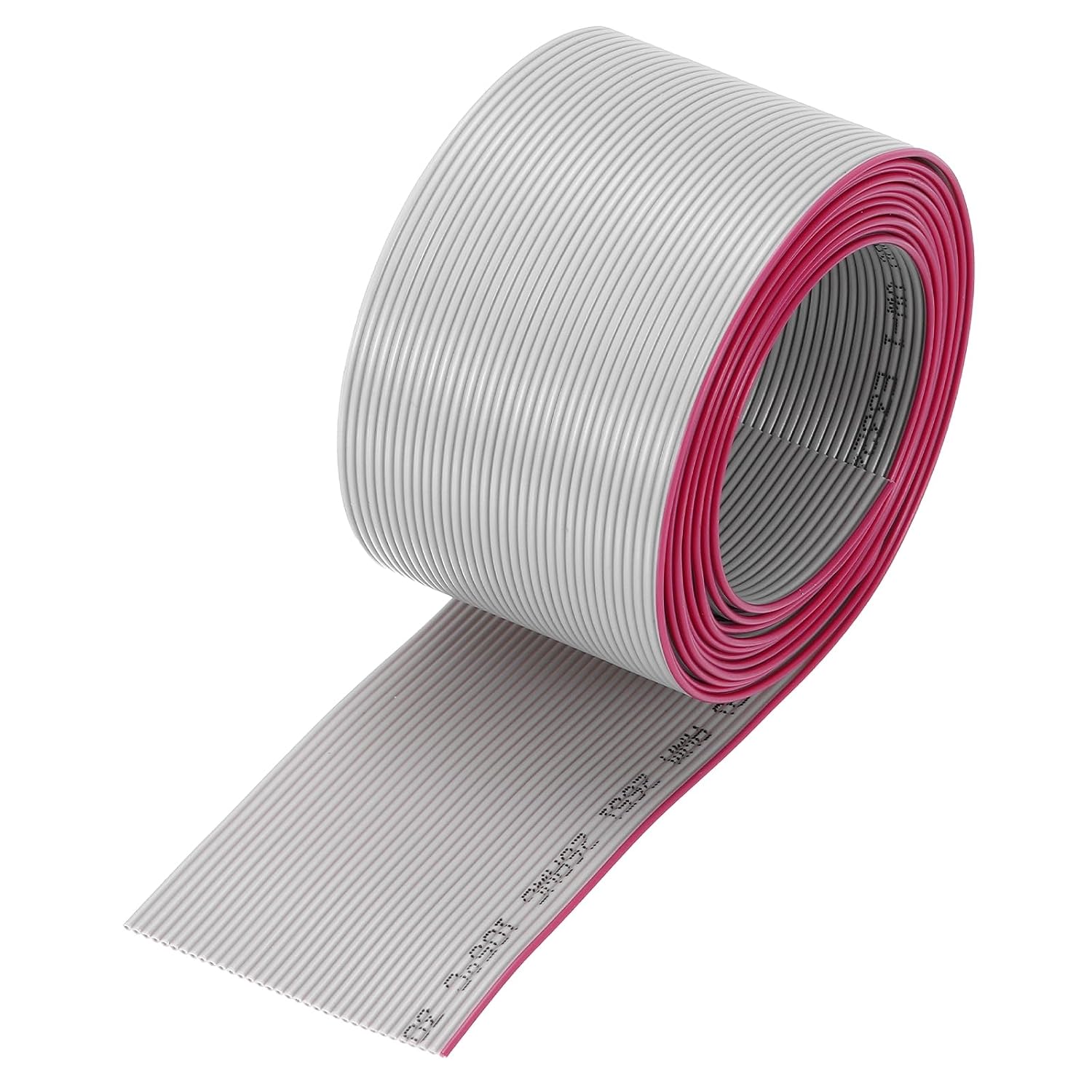
Flat Ribbon Cables