−43%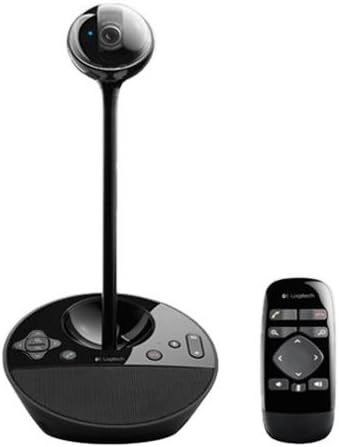
Webcams
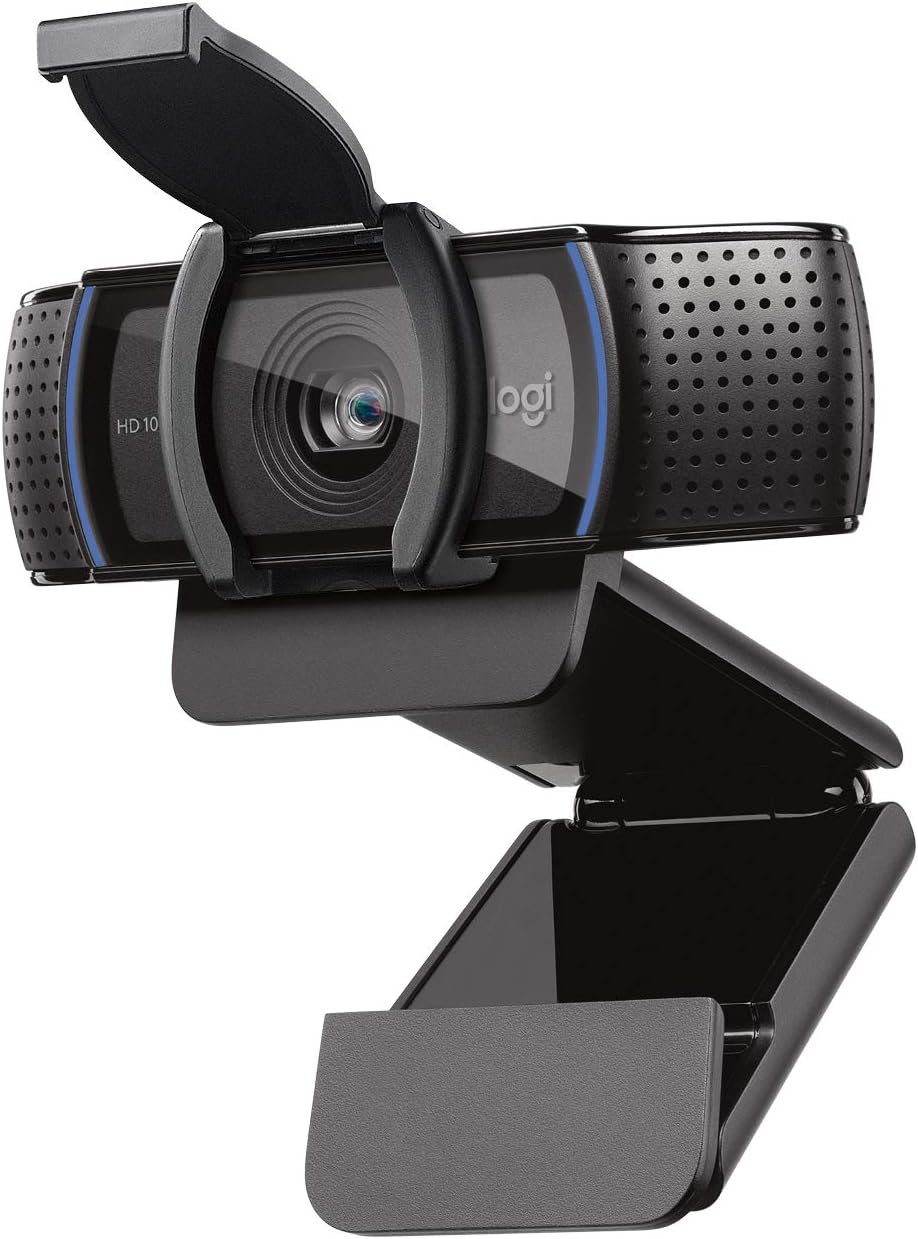
Logitech Conference Cam BCC950 Video Conference Webcam, HD 1080p Camera with Built-In Speakerphone (Renewed)
Sale price$ 54.12
Market price$ 94.95
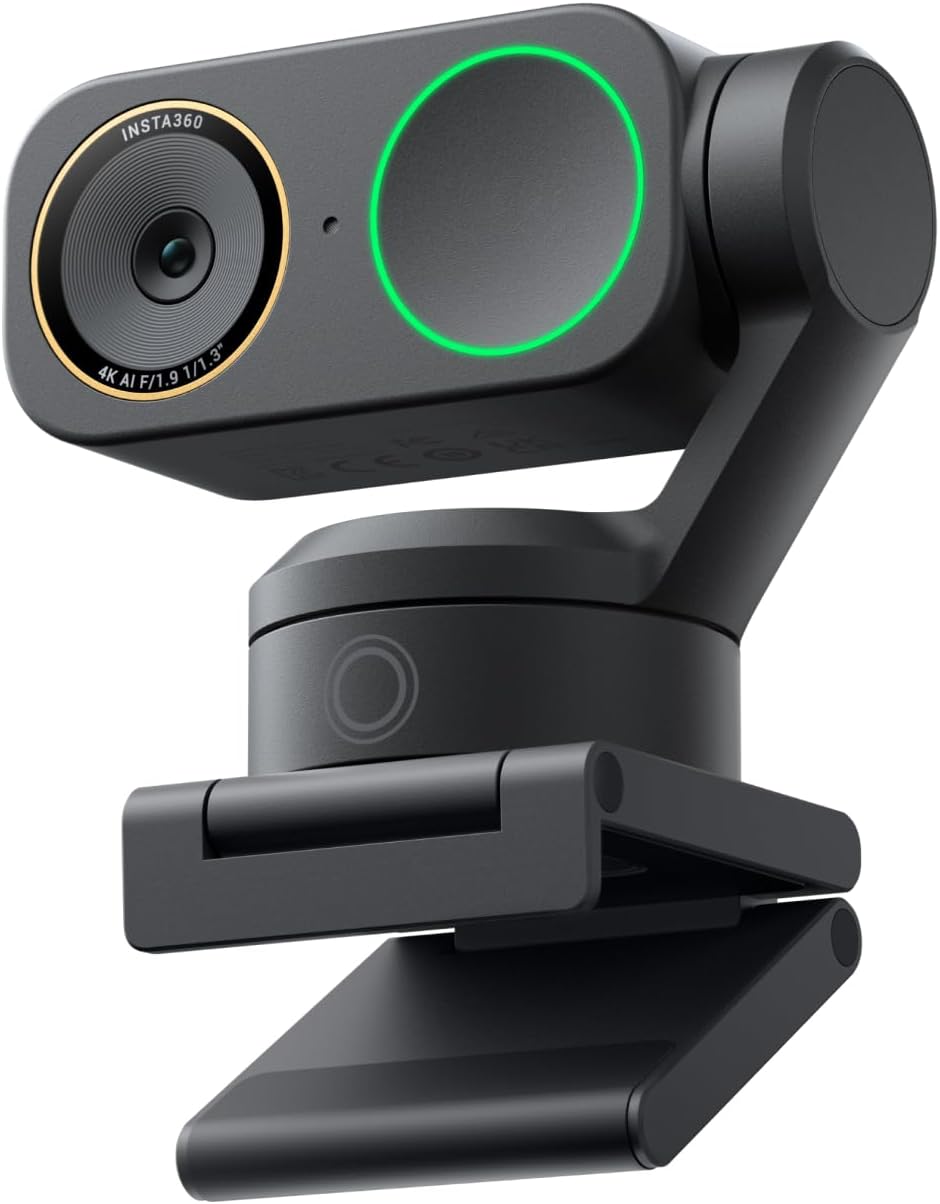 Image unavailable
$ 71.03 249.99
You save
Secure Checkout
Product description Which webcam is right for you? Insta360 Link 2 Pro Insta360 Link 2C Pro Insta360 Link 2 Insta360 Link 2C From the brand Insta360 Link2/2C Pro Visit the Store Insta360 Link2/2C Pro Visit the Store Insta360 Wave Visit the Store Insta360 Wave Insta360's Conferencing Lineup Visit the Store Insta360's Conferencing Lineup AI webcam, 4K quality Visit the Store AI webcam, 4K quality All‑in‑one video bar Visit the Store All‑in‑one video bar Flagship Image Quality: Capture sharp, detailed 4K with a large 1/1.3” sensor that delivers cleaner video and excellent low-light performance. Great for streamers, meetings, and beyond. Professional Audio with Directional Pickup: A redesigned dual-mic system with beamforming directional pickup delivers clearer voice isolation and reduces background noise in busy environments. Natural Bokeh: Get a professional look by replicating a DSLR-like depth of field. Provides a realistic and natural bokeh effect, straight from Link's software suite. AI Tracking: Insta360 Link 2 Pro physically pans and tilts to follow your movements around the room, keeping you or your group perfectly in frame. Compatibility: This USB C webcam works with Windows, macOS, Chrome OS (4), or Linux (4), and is fully compatible with all major video conferencing software and live streaming platforms, including Microsoft Teams, Zoom, Twitch, and more. Hardware Note: Currently not compatible with ARM-based Windows systems or Windows Hello Face Recognition. Elgato Stream Deck Integration: Switch modes, trigger presets, and control multiple cameras for a faster, more efficient creator workflow. Smart Gesture & Mobile Control: Start tracking, zoom, switch modes, or enable Whiteboard Mode using simple hand gestures (or your smartphone). Specialized Modes: Adapt to every scenario with versatile modes, including DeskView, Whiteboard and 4K Portrait Mode. Gesture & Remote Smartphone Control: Control your webcam remotely from your smartphone, or use simple hand gestures to start AI Tracking/Auto Framing, zoom in or out and activate Whiteboard Mode. Advanced Desktop Software: Fine-tune settings, access advanced features and personalize your experience with the free dedicated Link Controller software.
Webcams
Webcams
Webcams
Webcams