−43%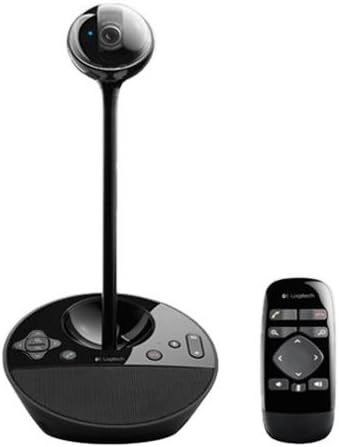
Webcams
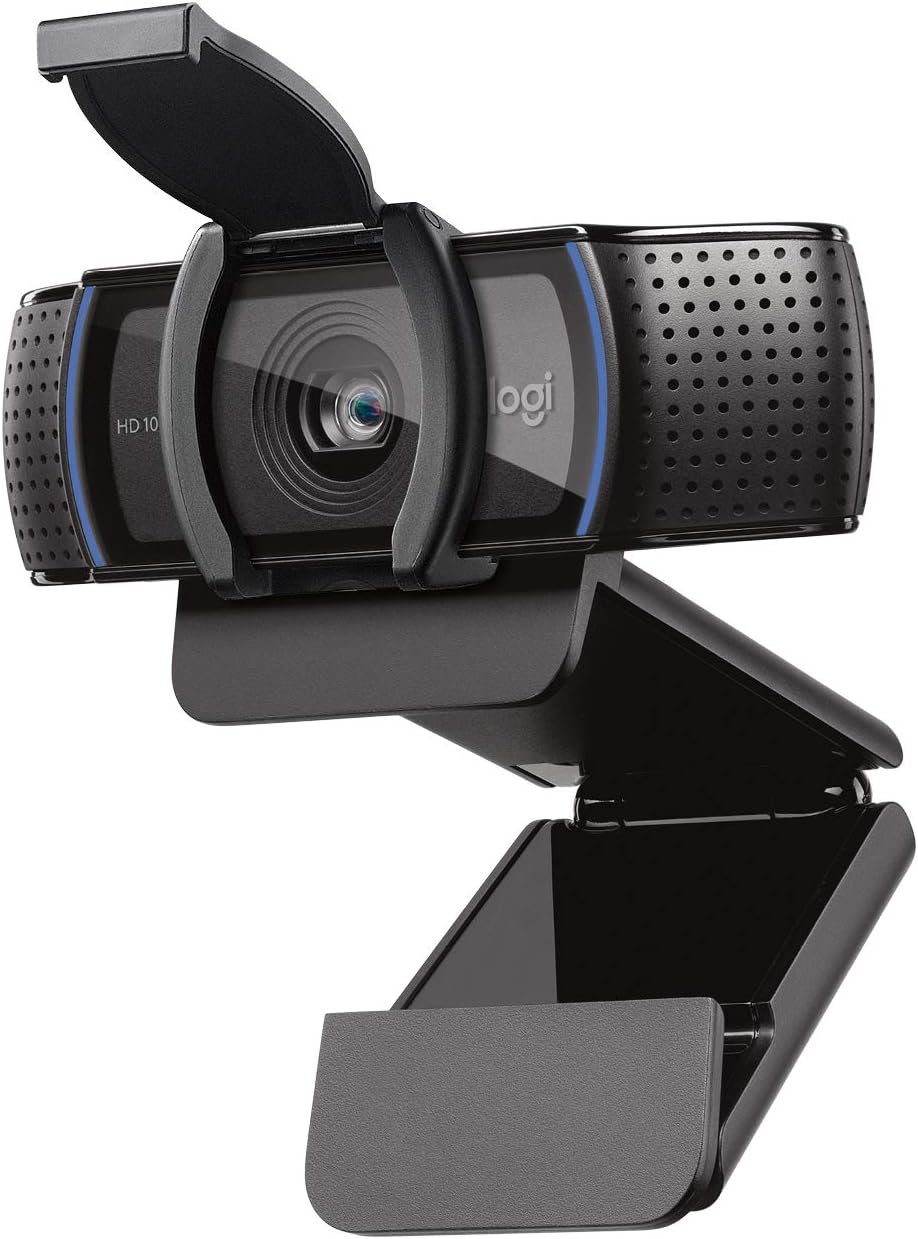
Logitech Conference Cam BCC950 Video Conference Webcam, HD 1080p Camera with Built-In Speakerphone (Renewed)
Sale price$ 54.12
Market price$ 94.95
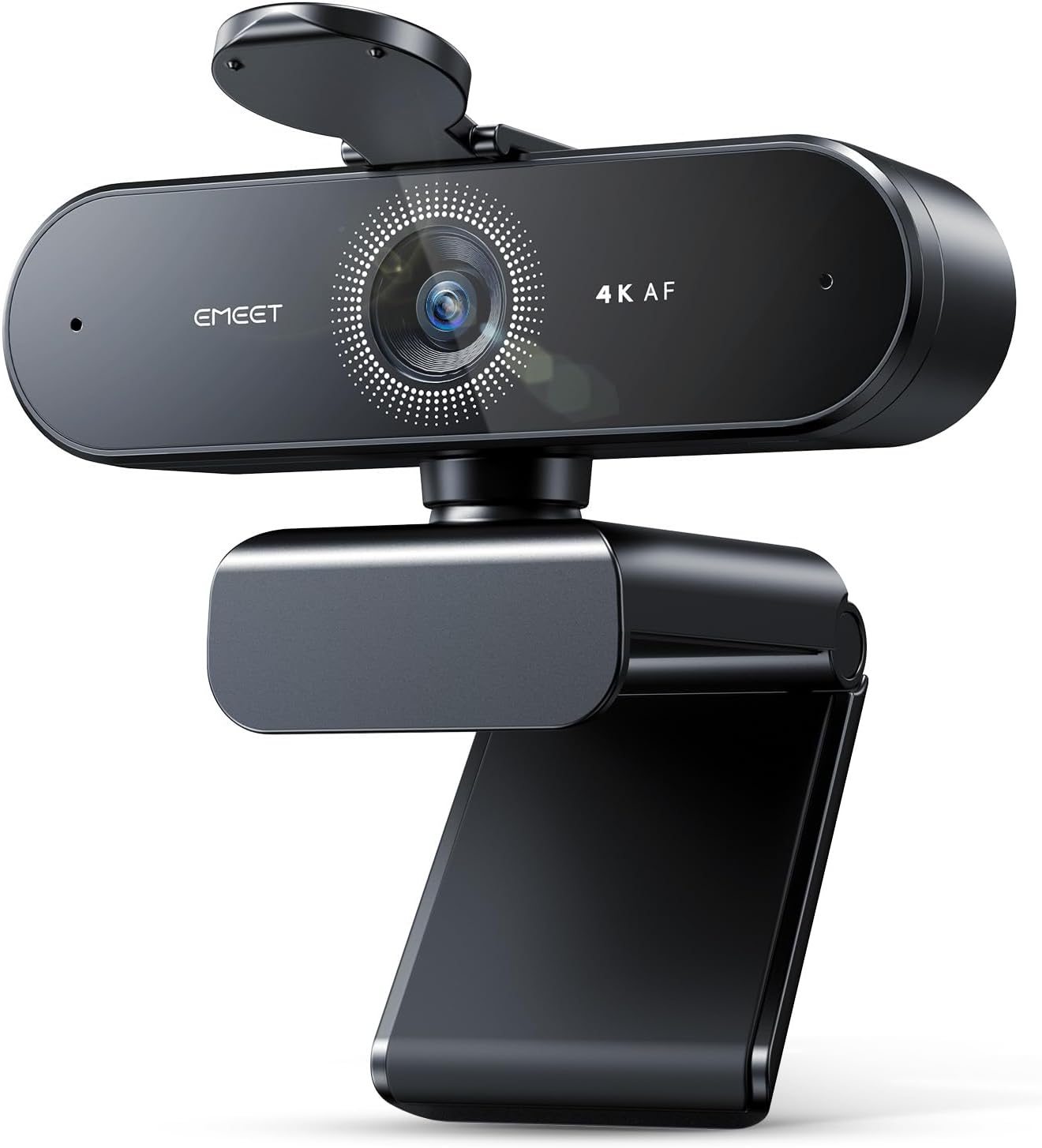 Image unavailable
$ 22.79 39.98
You save
Secure Checkout
Product description Which operating systems are compatible with the NOVA 4K webcam? The NOVA 4K webcam is compatible with the following operating systems, please make sure your device is running one of these operating systems for use: Windows 10 and 11 macOS 10.14 and above Android TV version 7.0 and above Which operating systems are compatible with the NOVA 4K webcam? The NOVA 4K webcam is compatible with the following operating systems, please make sure your device is running one of these operating systems for use: Windows 10 and 11 macOS 10.14 and above Android TV version 7.0 and above Is the NOVA 4K webcam compatible with video conferencing software? Yes, the NOVA 4K webcam is compatible with a wide range of video conferencing software. It works with Zoom, Microsoft Teams, Google Meet, Cisco Webex, Facetime, GoToMeeting, Lifesize, Slack, Line, TrueConf. Is the NOVA 4K webcam compatible with video conferencing software? Yes, the NOVA 4K webcam is compatible with a wide range of video conferencing software. It works with Zoom, Microsoft Teams, Google Meet, Cisco Webex, Facetime, GoToMeeting, Lifesize, Slack, Line, TrueConf. What type of USB port does the NOVA 4K webcam require? It requires a USB 2.0 or Type-A USB port for proper functionality. Please ensure that your device has the appropriate USB port to avoid connection issues. Using other types of USB ports (such as USB-C) may result in not recognizing or functioning. What type of USB port does the NOVA 4K webcam require? It requires a USB 2.0 or Type-A USB port for proper functionality. Please ensure that your device has the appropriate USB port to avoid connection issues. Using other types of USB ports (such as USB-C) may result in not recognizing or functioning. What should I do if the NOVA 4K webcam is not working? If the webcam is not working, please follow these troubleshooting steps: 1. Check compatibility. 2. Verify USB port type. 3. Try a different port or device, and Update drivers. 4. If the issue persists, go to find us for further assistance. What should I do if the NOVA 4K webcam is not working? If the webcam is not working, please follow these troubleshooting steps: 1. Check compatibility. 2. Verify USB port type. 3. Try a different port or device, and Update drivers. 4. If the issue persists, go to find us for further assistance. Which versions of Windows are supported by EMEETLINK software? The EMEETLINK software supports Windows 10 and later, 64-bit operating systems. It is not supported on ARM architecture-based Windows systems. Which versions of Windows are supported by EMEETLINK software? The EMEETLINK software supports Windows 10 and later, 64-bit operating systems. It is not supported on ARM architecture-based Windows systems. From the brand EMEET PIXY — Next-Gen Webcam EMEET values the contributions of every individual in meetings and knows that everyone should be heard and seen. Established in August 2016, with the mission of "better communication, better world", we endeavored to create an intelligent mobile collaboration space. Today, EMEET is a prominent global company, specializing in R&D, production, and sales of AI-driven intelligent audio and video communication products and cloud services. EMEET New Release Visit the Store EMEET New Release Visit the Store EMEET Best Sellers Visit the Store EMEET Best Sellers Speakerphones Cost-Effective Visit the Store Speakerphones Cost-Effective Speakerphones High-End Visit the Store Speakerphones High-End 1080P Webcam Visit the Store 1080P Webcam 4K Webcam For Conference Visit the Store 4K Webcam For Conference 4K Webcam for Streaming Visit the Store 4K Webcam for Streaming 4K Webcam for Streaming-Light Visit the Store 4K Webcam for Streaming-Light 4K Webcam for Streaming-PTZ Visit the Store 4K Webcam for Streaming-PTZ Webcams with Tripod Visit the Store Webcams with Tripod EMEET Accessories Visit the Store EMEET Accessories Other Choices Visit the Store Other Choices Unrivaled 4K Performance - Experience unparalleled clarity with our EMEET NOVA 4K webcam, featuring a 30FPS rate and a CMOS sensor for the ultimate high-definition visual experience. Ideal for crucial business meetings, online education, or personal streaming, this webcam for PC ensures every detail is captured with precision. The 4K resolution enhances visual appeal and engagement. Note: Video resolution defaults to 1080P; Switch to 4K via built-in camera software or APPs like PotPlayer/OBS. Precise Autofocus, Clear Display – This 4K webcam features PDAF tech for fast and accurate autofocus within a fixed range of 7.9–118 inches (manual focus not supported), ensuring sharp images even with motion. It offers automatic light adjustment and a fixed 73° FOV for balanced visuals. EMEETLINK software lets users adjust brightness, contrast, and saturation, e.g., activating backlight compensation for better brightness. It does not support facial tracking, closing autofocus, or adjusting FOV. Superior Audio Clarity, Unmatched Compatibility – Featuring 2 built-in microphones that capture voices clearly, the NOVA 4K Webcam delivers clear, natural audio up to 8 feet away—ideal for busy offices or home use. For optimal performance (100–10KHz), keep the mic unobstructed, position it close to the speaker, and use it in a quiet environment. NOVA 4K Webcam is fully compatible with Zoom, Teams, Google Meet, and major systems like Windows 10/11, macOS 10.14+, and Android TV 7.0+. Plug&Play Connectivity, Guaranteed Privacy - Simply connect this USB 2.0 Webcam to any device with a Type A port and start your video communication instantly. A privacy cover is used to prevent unwanted surveillance. Relying solely on physical connections without WiFi or Bluetooth, wireless signal interceptions are eliminated. With no need for drivers or cloud storage, it offers a controlled environment that maintains data locally. It is ideal for professionals and settings that demand privacy. Flexible & Secure Design - The EMEET 4K webcam features a universal joint for 360° horizontal rotation, 15° vertical adjustment and a 180° adjustable stand, plus a standard ¼ inch nut for a tripod. Such flexibility allows you to capture perfect angle in any setting. Designed with stability, the PC camera boasts a robust swivel connection between the lens and its stand, uses an internal rubber material that grips securely to computer, and firmly integrates into the device with a 1.5m fixed cable.
Webcams
Webcams
Webcams
Webcams