−43%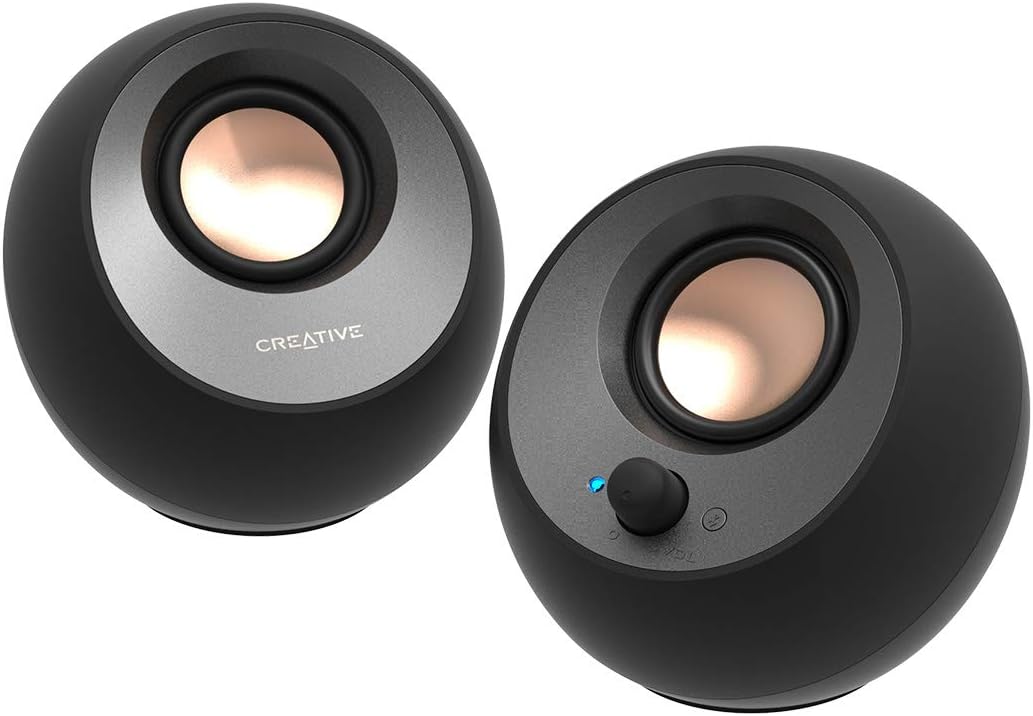
Computer Speakers
Creative Pebble V3, 2.0 USB-C Desktop Speakers, Bluetooth 5.0, Black
Sale price$ 24.36
Market price$ 42.74
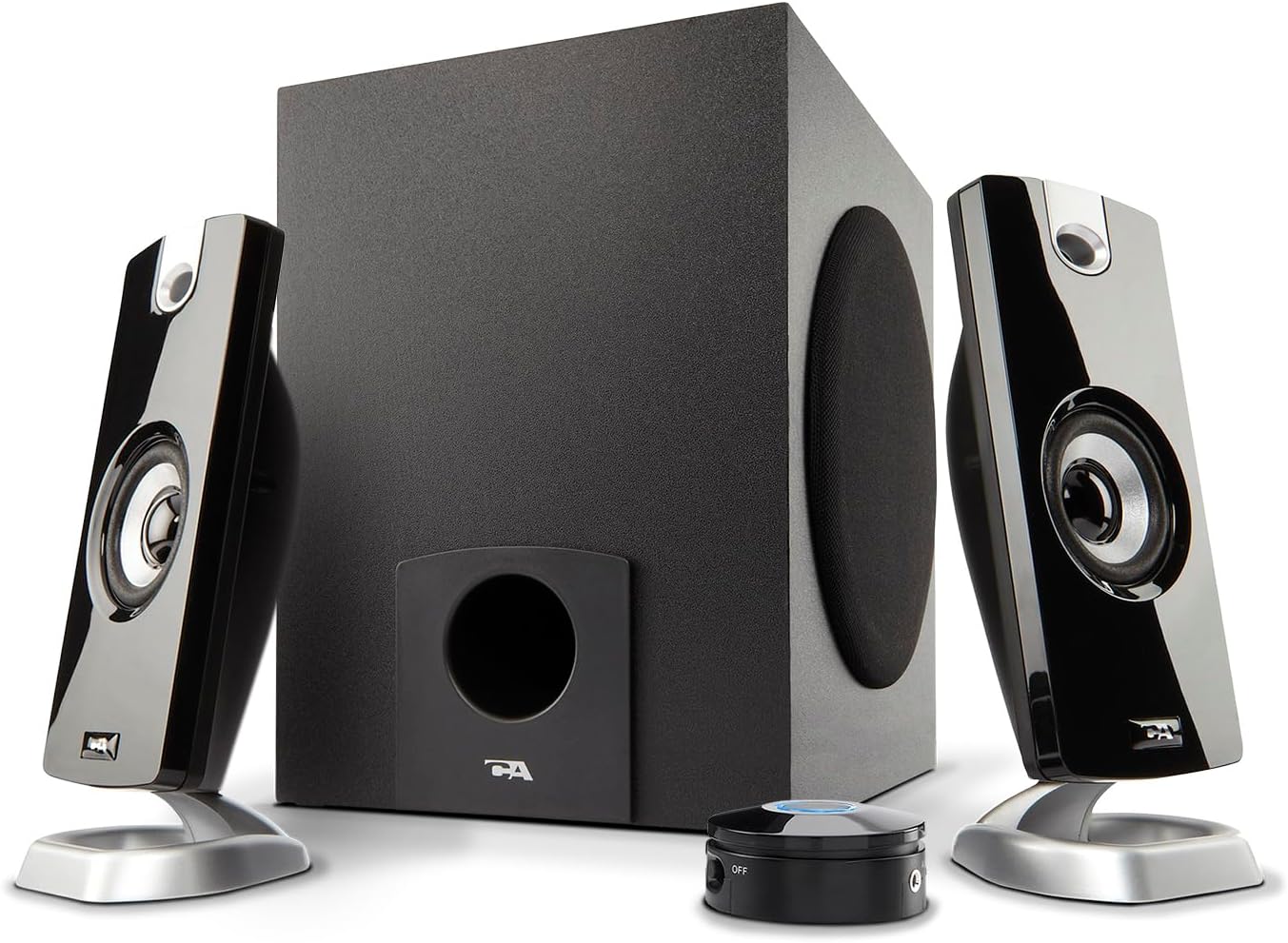 Image unavailable
$ 21.65 37.99
You save
Secure Checkout
From the brand CA-2890 Pro Speakerbar Visit the Store CA-2890 Pro Speakerbar Visit the Store CA-2890BT Speakerbar Visit the Store CA-2890BT Speakerbar SP-2000 Speakerphone Visit the Store SP-2000 Speakerphone Webcams Visit the Store Webcams Professional Headsets Visit the Store Professional Headsets Headsets for Education Visit the Store Headsets for Education Hearing Protection Visit the Store Hearing Protection Microphones Visit the Store Microphones Product description Elevated Sound for Music, Movies, and PC Gaming Enjoy clear stereo sound for music, movies, videos, and PC games. The satellite speakers deliver clear mids and highs, while the subwoofer adds bass for a more balanced listening experience. Elevated Sound for Music, Movies, and PC Gaming Enjoy clear stereo sound for music, movies, videos, and PC games. The satellite speakers deliver clear mids and highs, while the subwoofer adds bass for a more balanced listening experience. Everything You Need Within Reach The desktop control pod puts power, volume adjustment, LED power indicator, and AUX input within easy reach for simple everyday control. Everything You Need Within Reach The desktop control pod puts power, volume adjustment, LED power indicator, and AUX input within easy reach for simple everyday control. Designed for Smaller Desks The CA-3090 gives you a compact 2.1 speaker system without taking over your workspace. Compact satellites and a dedicated subwoofer fit naturally into smaller desktop setups. Designed for Smaller Desks The CA-3090 gives you a compact 2.1 speaker system without taking over your workspace. Compact satellites and a dedicated subwoofer fit naturally into smaller desktop setups. Set Up the Speakers Position the satellites on each side of your computer. Set Up the Speakers Position the satellites on each side of your computer. Connect the System Connect the speaker system to your computer. Connect the System Connect the speaker system to your computer. Power On Turn on the system using the control pod. Power On Turn on the system using the control pod. Adjust the Volume Adjust volume to your preferred level. Adjust the Volume Adjust volume to your preferred level. Adjust the Bass Use the subwoofer control to adjust the bass. Adjust the Bass Use the subwoofer control to adjust the bass. Setting Up Your CA-3090 2.1 Speaker System Cyber Acoustics 2.1 Speakers CA-3090 Speaker System CA-3610 Speaker System CA-3810 Speaker System CA-3908 Speaker System Can I connect this to my TV? Yes, if your TV has a 3.5mm audio output. Connect the speaker system using the the 3.5mm audio cable. Can I connect this to my TV? Yes, if your TV has a 3.5mm audio output. Connect the speaker system using the the 3.5mm audio cable. Can I plug this directly into my game controller? Although some game controllers have a 3.5mm audio output, plugging the green source plug into the controller can damage the plug. If using the speakers this way, use an AUX cable and connect it to the AUX port on the speakers. Can I plug this directly into my game controller? Although some game controllers have a 3.5mm audio output, plugging the green source plug into the controller can damage the plug. If using the speakers this way, use an AUX cable and connect it to the AUX port on the speakers. Does it work with laptops? Yes, as long as the laptop has a 3.5mm audio output. Does it work with laptops? Yes, as long as the laptop has a 3.5mm audio output. Can I connect it to multiple devices? Yes, but not simultaneously. Connect one device to the 3.5mm AUX input, then switch the cable when using a different source. Can I connect it to multiple devices? Yes, but not simultaneously. Connect one device to the 3.5mm AUX input, then switch the cable when using a different source. Where do I plug in the small speakers? The satellite speakers plug into the back of the subwoofer. Where do I plug in the small speakers? The satellite speakers plug into the back of the subwoofer. 2.1 stereo speakers with subwoofer deliver 18W peak power and 9W RMS; system includes a ported four inch side firing poly carbon subwoofer and two inch satellite drivers Control pod allows for volume adjustment and to turn the speakers on and off; bass volume control located on the subwoofer Flat panel designed stereo speakers and subwoofer We recommend that you set the volume on your device between sixty five and eight percent and then use the volume controls on the speaker system to raise and lower the volume Includes CA 3090 2.1 speakers with subwoofer, 110V AC power adapter, and user guide; includes one year manufacturer warranty
Computer Speakers
Computer Speakers
Computer Speakers
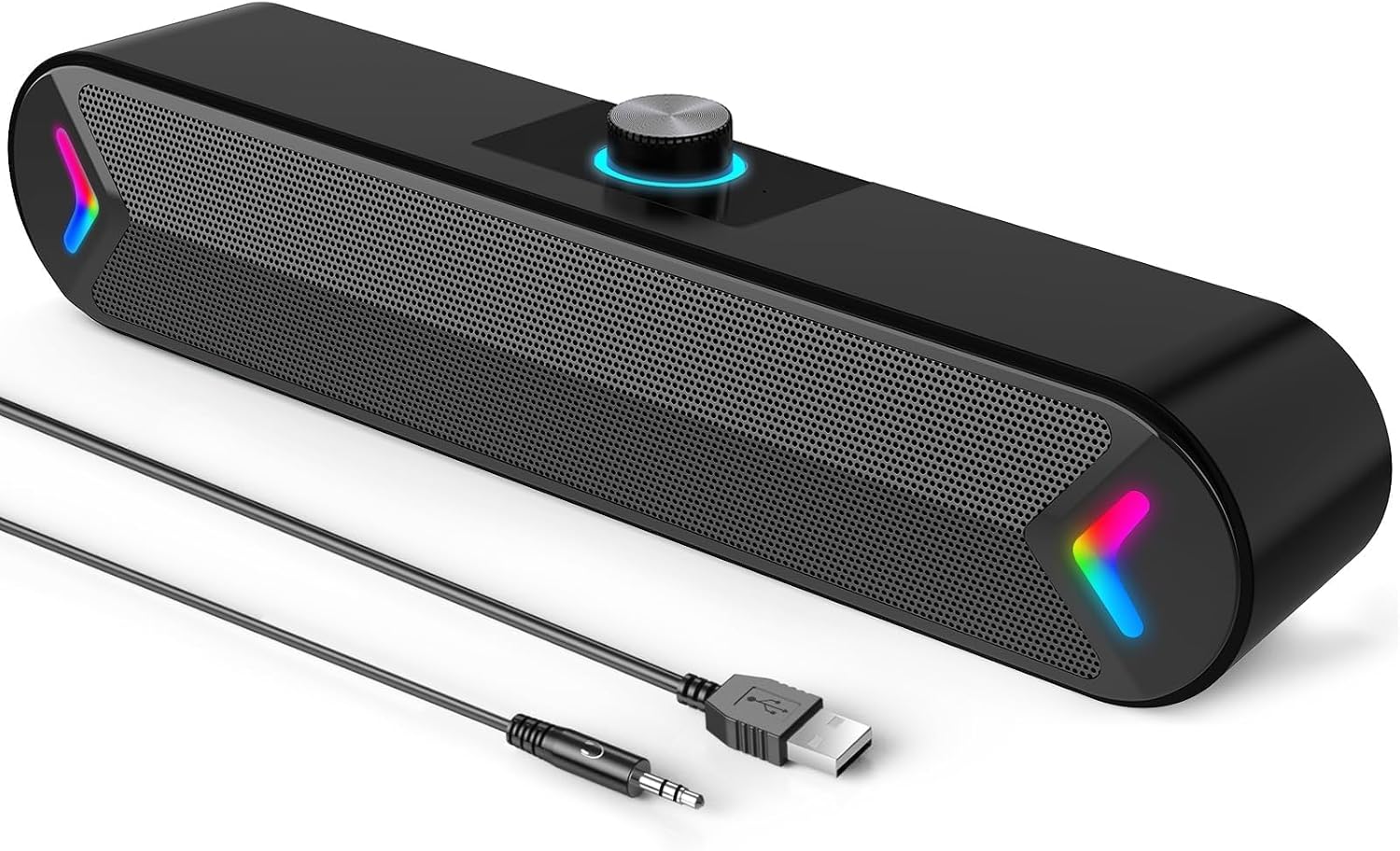
Computer Speakers