−43%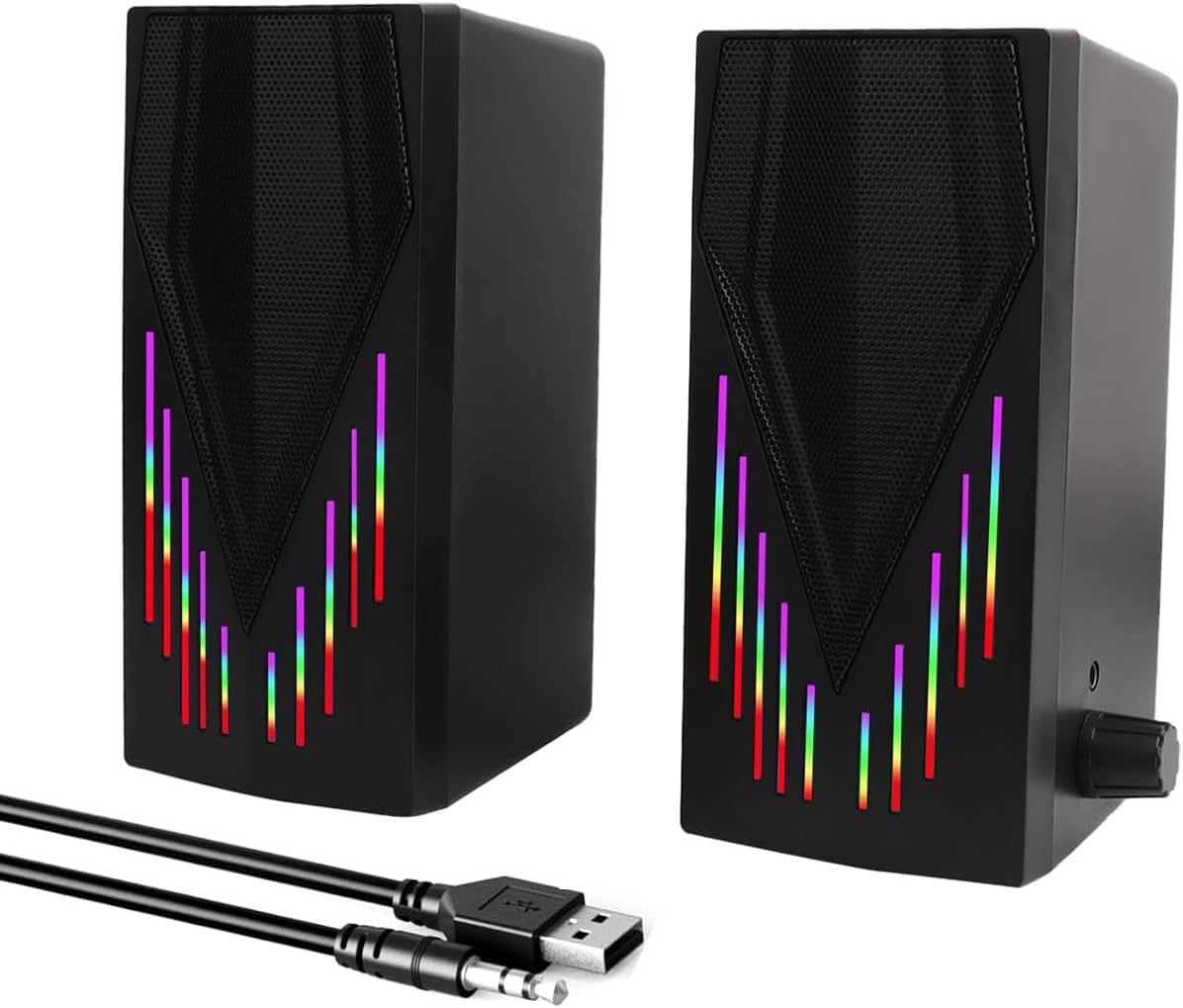
Computer Speakers
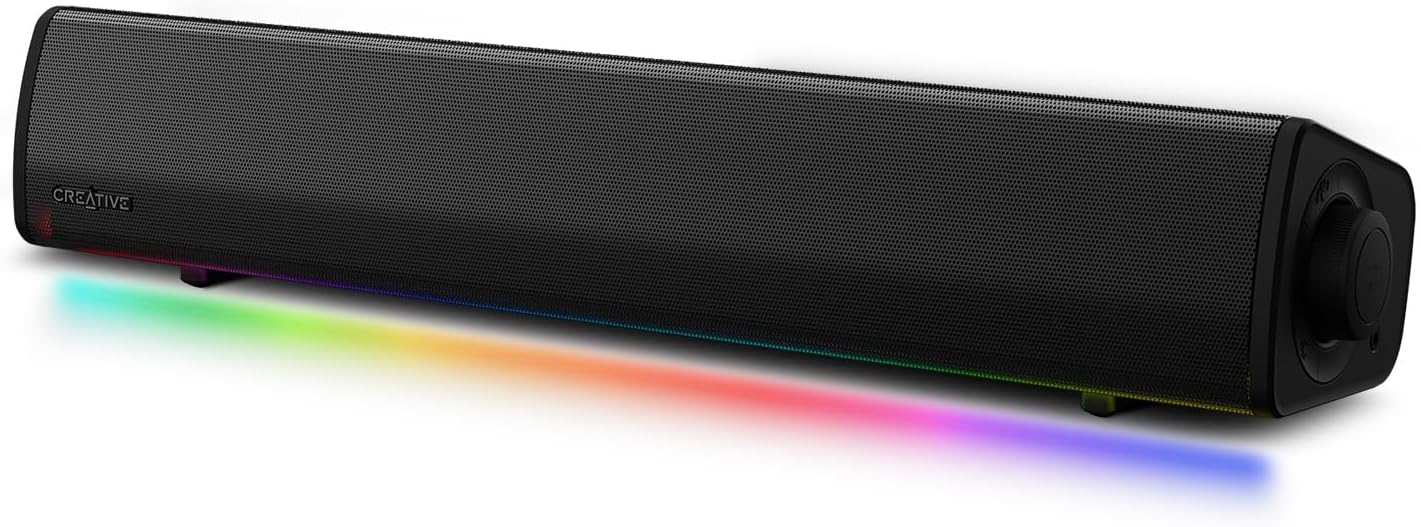
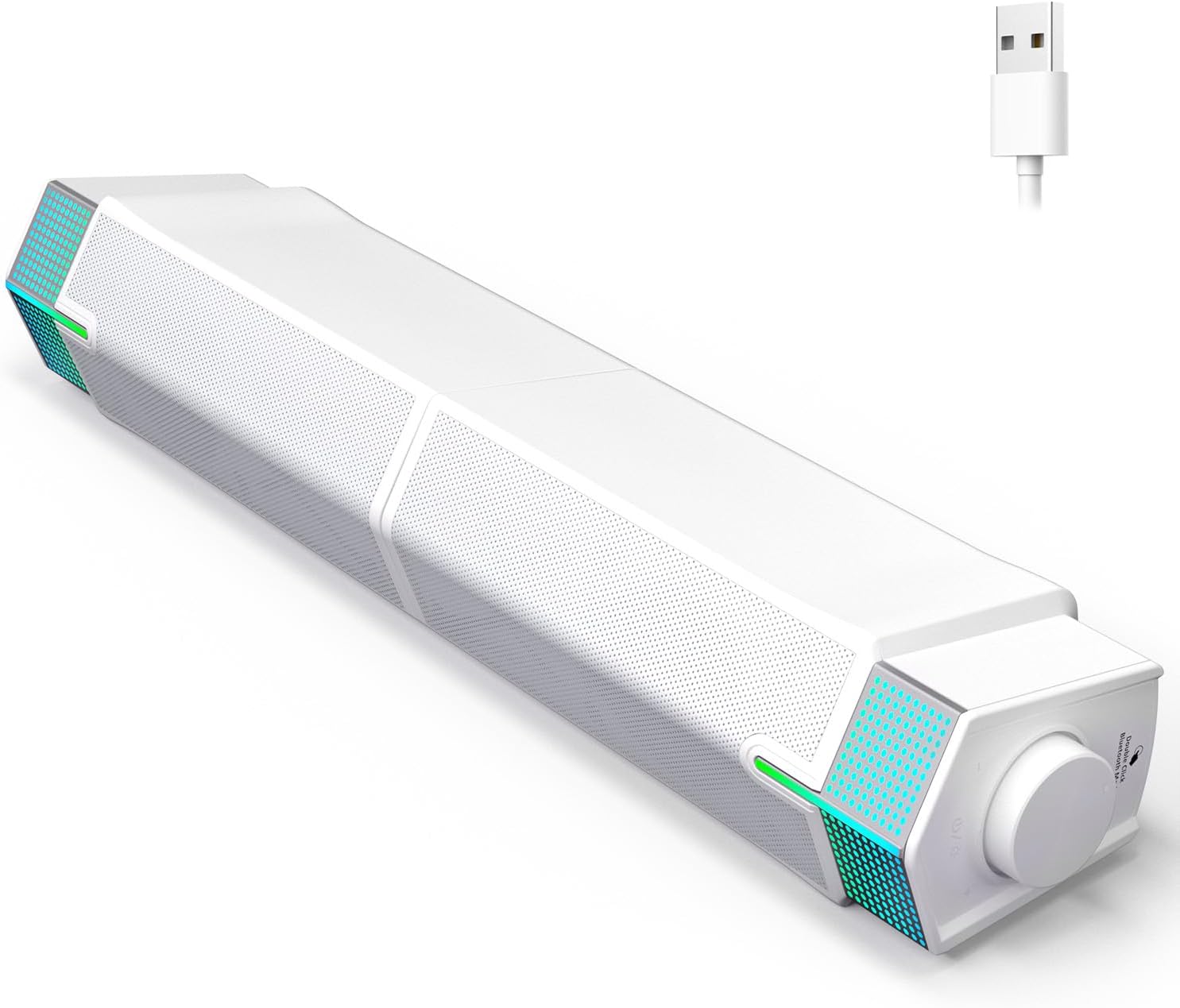
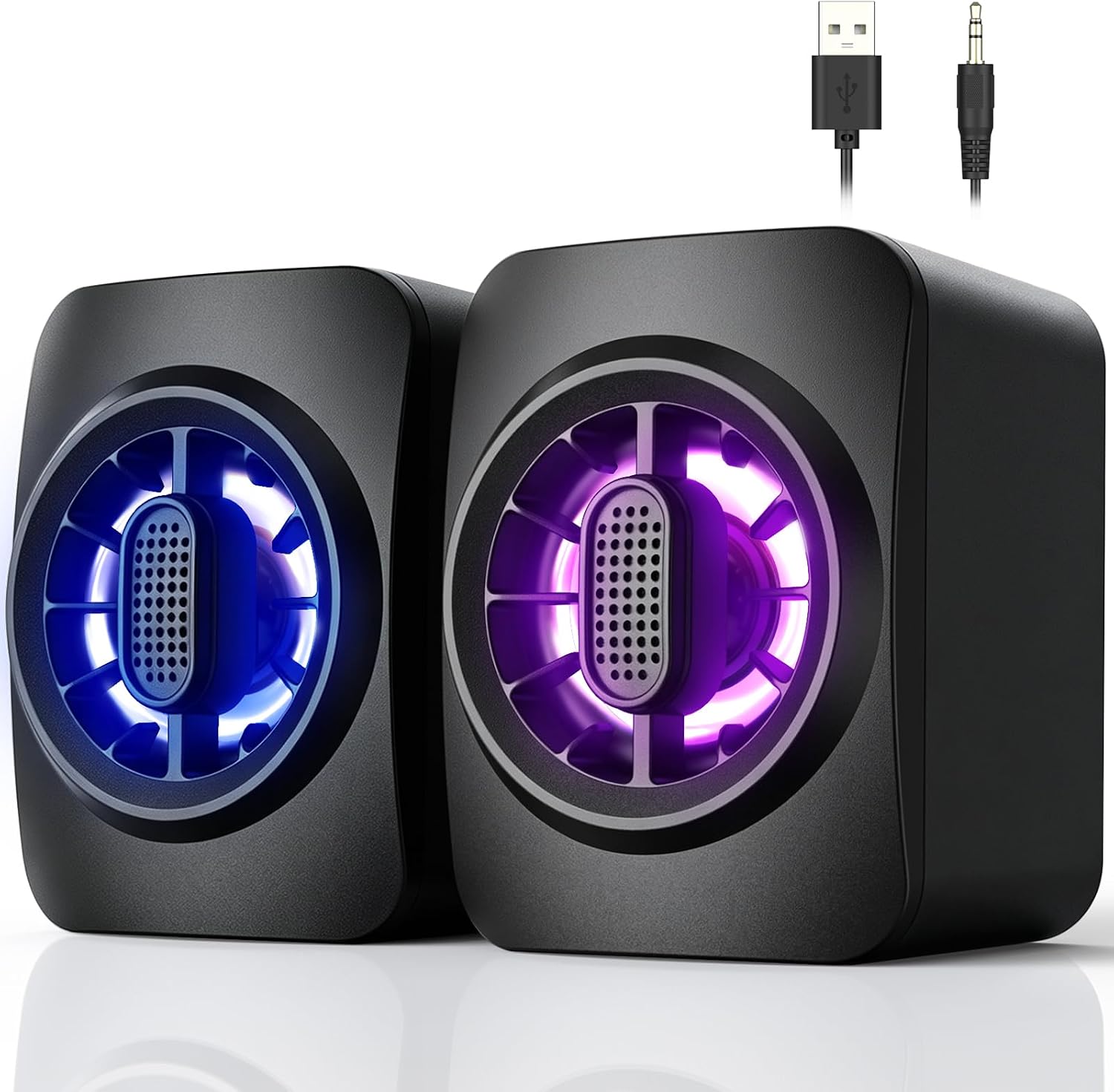
Black Wired Computer Speakers, USB Powered Gaming Speakers with Zero-Lag Audio, Dynamic RGB Lighting, 3.5mm Aux Cable for PC Desktop Monitor Laptop Tablet
Sale price$ 7.40
Market price$ 12.99
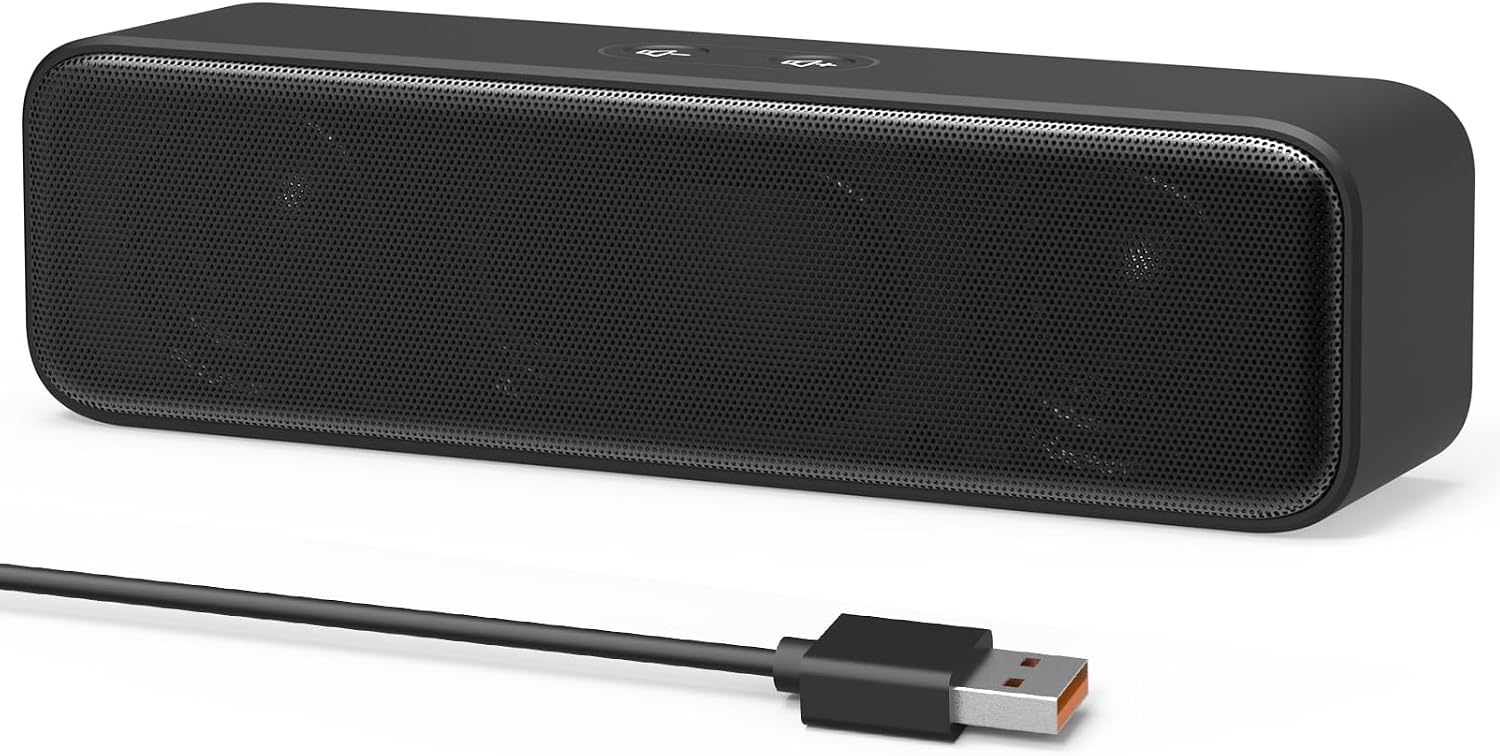 Image unavailable
$ 7.97 13.99
You save
Secure Checkout
Product description [Upgraded] USB Computer Speakers for Desktop, Laptop, PC Key Features >Built-in dual 3W high-excursion drivers for full range audio. >Enhanced Bass with passive radiator. >Compatible with Windows(7/8/10/11) PC and desktop computer. >Compatible with macOS & Chrome OS laptops. >USB Plug-N-Play, very easy to use. Package List 1 x USB Computer Speaker 1 x User Manual Surprisingly Loud Volume Built-in Dual Hi-Excursion Drivers and Passive Radiator, which deliver surprisingly loud volume and bass in such a compact PC speaker. Saving Desktop Space It is perfect to put this small computer sound bar under the monitor. No Volume Buttons There is no volume control button on the computer speaker, all you need to do is to adjust the volume of media player and computer system. Full Compatibility Compatible with Windows PCs The Upgraded USB Computer Speaker works great with various brands of Windows(7/8/10/11) PCs, such as HP, Lenovo, ThinkPad, ASUS, Dell, Samsung, Acer, LG or more. Compatible with macOS, Linux and Chrome OS laptops This laptop speaker will do a good job as an external computer speaker as long as you had installed the latest audio driver for the computer system. USB Plug-N-Play, Very Easy to Use No need for installing drivers and 3.5mm headphone jack. Just plug the USB in and select “USB Audio/Device” for the sound output of your computer. Then, the USB speaker is OK to work for you. Frequently Asked Questions (FAQ) Q: Is it compatible with Android TX-Box, TV, Projector, Monitor, Xbox, PStation, iPad or tablets? A: No. This USB speaker can only be used for computers. Because the USB ports of those devices do not have enough power to drive our speaker, which may result in not loud enough maximum volume. Q: Can I plug it into USB-Hub? A: Not recommended. The USB-hub has no enough power to drive our speaker, which may result-in cluttered, distorted or even constantly pops (audio cut-out) at high volume. Q: The volume is too low/loud, how can I adjust the speaker volume? A: All you need to do is to adjust the volume of the media player and computer system. Q: What's the problem if the speaker still “Doesn't Work” after plugged in? A1: Make sure that the USB port of your computer can work properly. A2: Make sure that you had selected "USB2.0 Device" as your computer sound output device. Q: Is there a built-in microphone? A: No. There is no built-in mic, so it is recommended to use a separate computer microphone when having video calls. IMPORTANT UPDATE NOTICE -- Based on extensive customer advises, we’ve rolled out two major upgrades to this desktop speaker. First, volume control buttons have been added. Second, we increased the product thickness for a larger sound cavity, bringing moderate improvements in sound quality and volume. HIGH-QUALITY SOUND -- This laptop speaker is equipped with Dual 3W High-Excursion Drivers & Passive Radiator, delivering louder sound, wider dynamic range, enhanced bass and reduced distortion. ONE CABLE FOR BOTH AUDIO & POWER -- No 3.5mm AUX jack needed. Just one USB cable delivers both audio signal and power for the computer speaker to cut down cable clutter. WIDE SYSTEM COMPATIBILITY -- This upgraded PC speaker works with Windows, macOS, Linux and ChromeOS laptops & PCs, compatible with HP, Lenovo, ThinkPad, ASUS, Dell, Samsung, Acer, LG and more. Simply install the latest audio driver for smooth audio playback. PLUG-N-PLAY FOR SIMPLE SETUP -- For Windows PCs: Plug the speaker into your computer’s USB port, click the taskbar “Speaker” icon, then select “USB Speakers” as your playback device, and you’re ready. MINIMALIST CLASSIC DESIGN -- This small computer sound bar features an elegant, timeless simple design that complements nearly any desktop setup and fits neatly underneath your monitor.
Computer Speakers
Computer Speakers
Computer Speakers
Computer Speakers